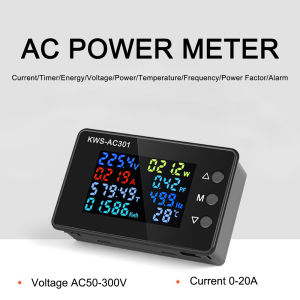
Aideepen AC 50-300V 0-100A KWS-AC301 Color Screen LCD Display Digital Current Voltage and Current Monitor Meter Power Ammeter Voltmeter
Instructions: 1. Press and hold the M key for three seconds to enter the settings, double-click the M key to wrap, and click the M key to shift. 2. Alarm prompt setting, when the value is set, press the M key for 3 seconds to save. The alarm prompt will appear only when the actual test value is greater than or equal to the set value or greater than or equal to the set value. When the instrument has an alarm, it will make a sound. At the same time, the numerical unit will flash on the screen. For example, if the current is set to 1.000A, an alarm will appear, and a prompt will appear when the actual current used is greater than 1.000A. Turn off the alarm prompt method: set the alarm value larger than the actual value or set all alarm values to 0. Electric energy and timing reset method: press the up button for 3 seconds and the timing flashes, click the M button to clear the timing, double-click the M button to wrap to the electric energy, and click the M button to clear. Restoring factory settings: Press and hold the down key, and then turn on the power and hear the sound of the meter, indicating that the restoration is successful. The factory default voltage alarm value is 275V, others are 0 KWS-AC301 Shipping list: Meter X1 Transformer X1 (20A does not include transformer, the transformer is built in the instrument) Temperature sensing line X1 KWS-AC301L Shipping List: Meter X1 Transformer X1 (20A does not include transformer, the transformer is built in the instrument) Temperature sensing line X1 Communication cable X1

Aideepen Official Store
You May Also Like
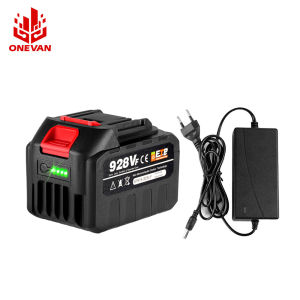
ONEVAN 928VF Rechargeable Lithium Ion Battery for Makita 40mm Interface With LED Battery Display 18V 22500mAh Battery For Electric Saw Angle Grinder Electric Drill

MO DE FA | Washing Machine Inlet Adapter Universal 46 Thread Water Stop Connector

AU Generally the MaGang quick-open anti-freeze faucet 4 Points 6 Copper spout faucet for industrial use
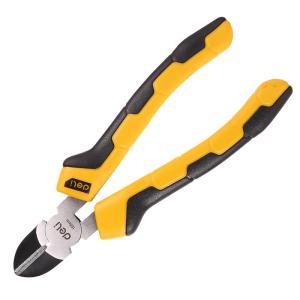
deli | Electrician Dedicated Slanted Mouth Pliers 6 inch
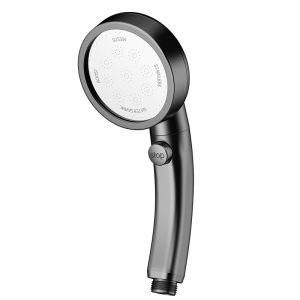
YALANDENG | Rotatable Pressure Increasing Shower Head Set

Adhesive Door Draft Stopper Under Door Blocker Insulator Door Sweep Weather Stripping Noise Barrier Strong Sticky Sealant
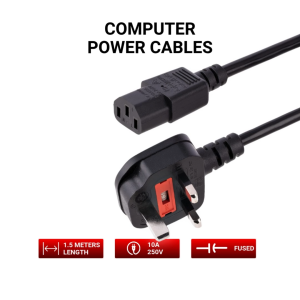
Power Cord UK Plug to IEC Cable (PC Mains Kettle Lead)
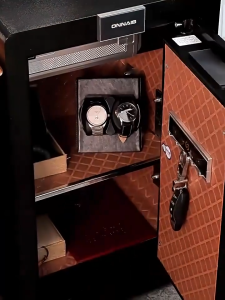
【24 Month Warranty】Office Safe Box 45/60cm Small Anti-theft Alarm Bedside Cabinet Storage Password+Key

AU Liansu plastic faucet specifically designed for washing machines 4 Points 6 Points DN15 Single cooling PVC Faucet
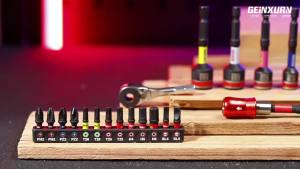
Geinxurn 21PCS Screwdriver Bit Sets Mini Ratchet Wrench Mini Bit Handle Bit Holder and Nut Driver with Impact S2 Screwdriver

BAIRUITE | Stainless Steel Black Countersunk Head Rivet