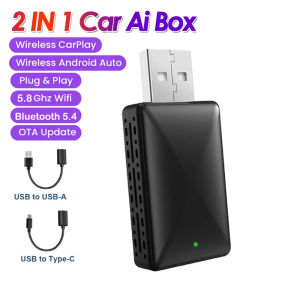
Kebidumei 2 in 1 Wired to Wireless Carplay Adapter Android Auto Plug & Play USB Dongle Type C Connection For OEM Car Stereo with USB Plug and Play
Product main functions1.Wired Carplay to Wireless CarPlay For A--pple Phones2.Wired Auto to Wireless Auto For Android PhonesHow to use wireless Carplay?1. Connect the USB box to the car USB2. Check the Bluetooth name ''Smart Dongle-XXXX'' that appears on the car3. Turn on your phone's WIFI and Bluetooth, and use Bluetooth to pair the device name.How to use wireless Android Auto?1. Connect the USB box to the car USB2. Check the Bluetooth name ''Smart Dongle-XXXX'' that appears on the car3. Turn on your phone's WIFI and Bluetooth, and use Bluetooth to pair the device name.About OTA upgradeIn order to bring you a better experience, this product supports OTA online upgrade function. When the Wireless Carplay Adapter cannot be used normally or performance problems occur after upgrading the system of the mobile phone, it is recommended to upgrade the Wireless Carplay Adapter to the latest version. If the Wireless Carplay Adapter is working properly, it is usually not recommended to upgrade the firmware.How to upgrade for iphone online?For iphone access backend page1. Please use your mobile phone to connect to the device Wifi: ''Smart Dongle'' and enter the password: ''12345678''.2. Open the Safari browser on your iPhone and enter the IP address: ''192.168.1.101,3. Click ''Visit'' or ''Go'' to enter the online upgrade background interface. (If you cannot enter, please check whether your phone's Wifi is correctly connected to the device)How to upgrade for Andorid phone online?Android phone accessing the background page1. Please use your mobile phone to connect to the device Wifi: ''Smart Dongle'' and enter the password: ''12345678''2. Open the Chrome browser on your iPhone and enter the IP address: ''192.168.1.1013. Click ''Visit'' or ''Go'' to enter the online upgrade background interface. (If you cannot enter, please check whether the Wifi of your mobile phone is correctly connected to the device)If the original car has wired Carplay/Android, why can't it be connected?1. Please use your mobile phone to delete the Bluetooth device name of the original car2. Restore factory equipment(Because the device is Bluetooth-only, if the Bluetooth of the original car is connected to the mobile phone, the mobile phone cannot connect to the Bluetooth of the device)After pairing the Android Auto adapter, the Android Auto feature cannot be launched or the USB is not compatible/recognized.1.Please check if the iphone/Android smartphone's Bluetooth connect toother devices such as Earphone, watch.....lf so, please disconnect otherauto-connected Bluetooth devices,and android smartphone alsoneed toconnect to the vehicle Bluetooth for android auto.2.When on a call, check that your ''Audio'' output option is Carplay/AndroicAuto.Can the phone use other network wifi when using wireless android auto adapter?When enjoying the wireless android auto adapter function,the phone's WiFi will be occupied by the adapter, So you can not use other internet at thesame time,You only can use your phone SIM card internet.

Monawei
Review

You May Also Like
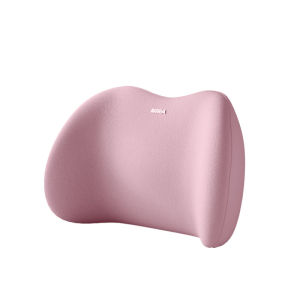
NIRA | Car Lumbar Support Pillow
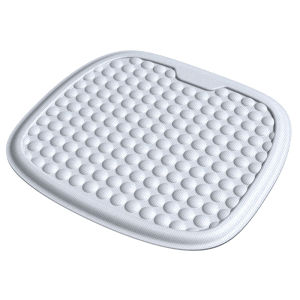
FULANKA | Cooling Breathable All-Season Car Seat Pad

TRANSPEED 5F27E FS5AEL FNR5 Auto Transmission Friction Kit For FORD MAZDA
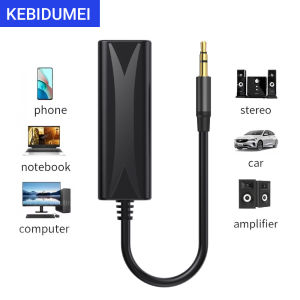
3.5mm AUX Audio Anti-interference Ground Loop Noise Filter Lsolator Eliminate Cancelling For Home Stereo Car Audio System
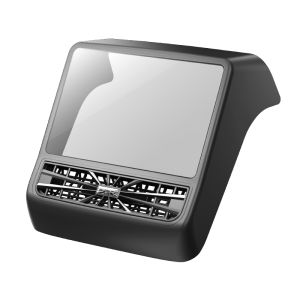
XIAOSAGE | Screen Protector Film for Tesla ModelY 3 Displays Control & Rear Protection
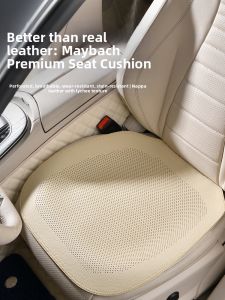
MRTREE | Breathable Anti-slip Thin Car Seat Pad
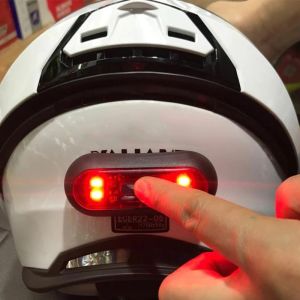
Moto Helmet light Luces Para Casco Bike Taillight Motorcycle Bicycle Helmet Safety Signal Warning Rear Lamp Waterproof LED Light
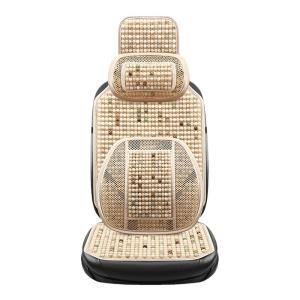
Ventilated and Breathable Cooling Seat Pad

DIANSHIFANG | Stylish Sunflower Tart-Shaped Car Hanging Decoration
YILUYAFU | Car Cleaning Cloth

UNJOYLIOD | X80 Special LED Laser Bright High-Intensity Headlight 9012