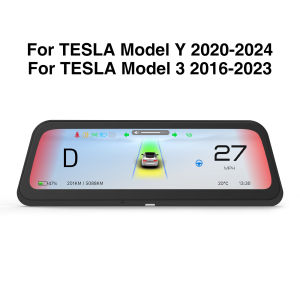
2025 NEW 9.6" Head Up Display for Tesla HUD for Model 3 2016-2023 Y 2020-2024 5-minute Quick Installation Carplay Android AUTO
Main features:* 9.6-inch lPS full-view touch operation: using high-definition digital long screen, resolution 1920480P, even in strong sunlight, you can still see the data clearly. Operating system: Linux, supports Carplay, Android Auto, Carlife. After connecting the phone, you can use the phone's built-in navigation-Google, Amap.* Rich display and warning information: speed, high beam/low beam, signal light status, speed limit, car mode/AP mode, car status, tire pressure, power, temperature, gear, driving status; speeding alarm, tire pressure alarm, seat belt alarm, blind alarm...* Blind spot warning: side vehicle approach warning, AP mode alarm, automatic driving warning, forward collision warning, etc....* Battery preheating: The battery can be preheated in advance for faster charging.* Built-in speaker: When playing music, you can choose to play with the speaker, or connect the original car large screen speaker.* Quick installation: The installation can be completed in 5 minutes, with only 3 simple steps, without damaging the original car interior.Smart Shortcut KeysQuick installation: The installation can be completed in 10 minutes, with simple steps, without damaging the original car interior.Make driving safer9.6-inch lPS full-view touch operation: using high-definition digital long screen, resolution 1920*480P, even in strong sunlight, you can still see the data clearlySupport: AP driving/AP warning/blind spot warningBuilt-in speaker: When playing music, you can choose to play it with the speaker, or you can connect it to the original car large-screen speaker.The mobile phone can be connected to Tesla Bluetooth and dashboard Bluetooth at the same time to transmit sound to Tesla speakers.Support wireless Carplay and Android AUTOSupport steering wheel control functionSupport OTA online updates2 Ul day night mode automatic switchingVideo installation tutorial AMD CPU(Choose only one of the two installation locations) ,B-pillar(Recommended option)https://youtu.be/YqOILiPkDis Below the rear air outlet(Installing with this option will lose blind spot navigation and rainbow road functions)https://youtu.be/VXMkiUIDUcQIntel CPU(Choose only one of the two installation locations) ,Below the rear air outlet(Recommended option, installing with this option will lose blind spot navigation and rainbow road functions). Installation method reference ,Under the glove box (The installation space here is small and difficult to complete. It is recommended to seek professional help.)https://youtu.be/opW_jGG8dAg

GlobalSuperBazaar
Review

You May Also Like
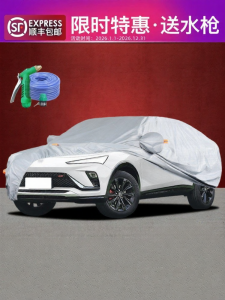
CHEZHIJIA | Sun Protection Rainproof Sun Shield Heat Insulation Dust Proof Car Cover
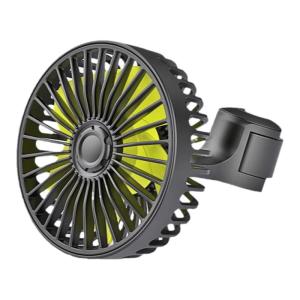
Strong Cooling Car Fan for Backseat Use with USB Dual-head
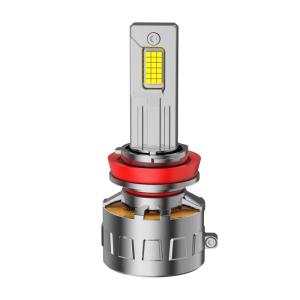
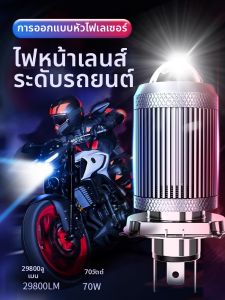
UNJOYLIOD | LED Headlight Lamp for Bright and Focused Light

GELUODE | For Luxgen Car Models Brake Discs
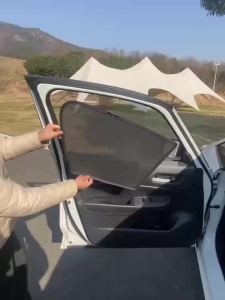
Suitable for SUBARU IMPREZA 2023+ car window sunshade front and side door sun baffle sunscreen insulating visor curtain mesh curtain front block glass sunshade.
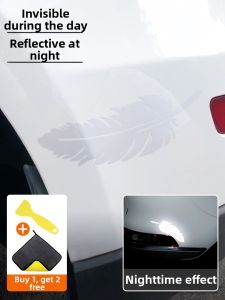
KVS | Scuff & Scratch Covering Creative Decorative Car Stickers
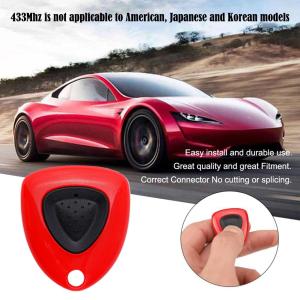
433Mhz For Tesla Model 3/Y Car Remote Control Charging Key Pile Opening Modely Open Button Port Cover Charger Cover Chip Tools
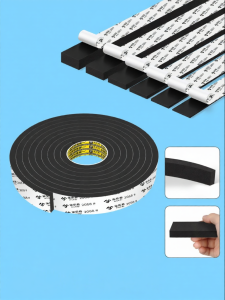
Mileqi | Lightproof Insulation Cushion Pad

NAIFUNA | Multi-functional Safety Hammer Window Breaker
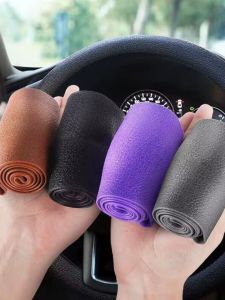
TANGJIXIONG | All-Season Slip-Resistant Silicone Steering Wheel Cover
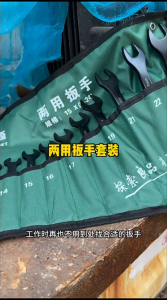
Open End Wrench Set Ratchet Wrenches Universal Spanner Dual-purpose Wrench Kit for Bicycle Motorcycle Car Repair Tool