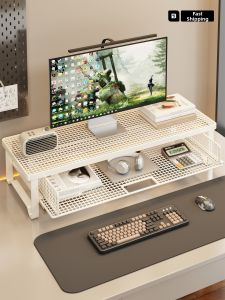
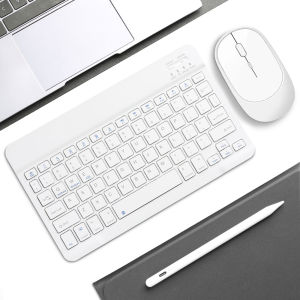
Universal Bluetooth Keyboard Mouse Combo for Mac iPad Pro Air Slim Wireless Dual Mode Long Battery Life Fast Delivery
Bluetooth mouse connection method:1: Turn on the ON/OFF switch to switch to Bluetooth.2: Turn on the Bluetooth switch of the device such as tablet/smartphone, and then search for the Bluetooth mouse.3: Click the Bluetooth mouse on the tablet/smartphone to connect to the device.Keyboard connection method:1: Turn on the ON/OFF switch.2: Press CONNECT, the indicator of the Bluetooth logo will flash.3: Turn on the Bluetooth switch of the device such as tablet/smartphone, search for Bluetooth device, the default Bluetooth name of the keyboard: Bluetooth Keyboard.4: Click the Bluetooth 3.0 Keyboard on the tablet/smartphone, press the Enter to connect.Note: The keyboard cannot be connected to two devices at the same time. Therefore, if you want to replace another device, you must first disconnect the pairing connection of the original device. Only Bluetooth mouse is supported.Note: You need to update the system of your ipad and iphone to iOS 13 and above. And then turn on “Assistive Touch” : Open Setting > Accessibility > Touch > Assistive Touch.1.Package including:1 * Bluetooth Mouse Keyboard KIT1 * USB Cable

GlobalTechMart
Review

You May Also Like
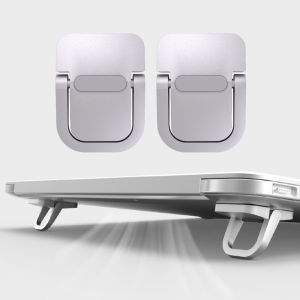
Laptop Stand For Computer Keyboard Holder Mini Portable Legs Laptop Stands For Macbook Huawei Xiaomi Notebook Aluminum Support
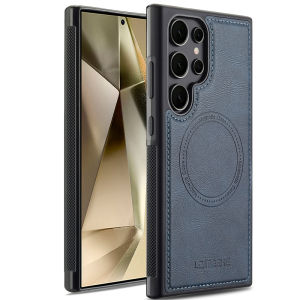
szhaiyu | Phone Case for Samsung Galaxy S25 Edge S24 S26 Ultra S23 S21 FE A57 A37 A15 A16 A17 A36 A56 A55 A35 A53 A54 Leather Back Cover

2 Pcs Tempered Glass Camera Protector For Vivo X300/X300 Pro Back Lens Ring Cover
![[SG] BOBOVR B100 Battery Pack For E3 Pro and S3 Pro BOBOVR Headset (Rechargable Battery)](https://img.lazcdn.com/g/ff/kf/S4adcd52c9b6e40578e46f25aa7ca9ed9Z.png_300x300q80.png)
[SG] BOBOVR B100 Battery Pack For E3 Pro and S3 Pro BOBOVR Headset (Rechargable Battery)
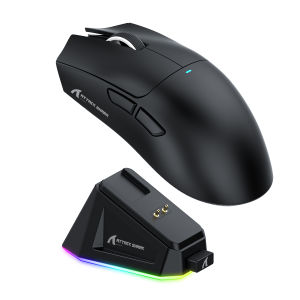
ATTACK SHARK | Attack Shark X11 Bluetooth Wireless Mouse Three Mode 2.4G PAW3311 RGB PC Magnetic charging dock Gaming E-sports Mouse
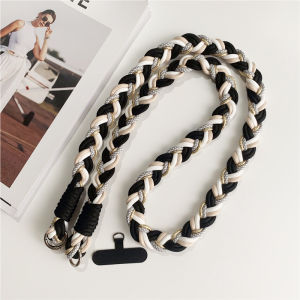
Creative Woven Mobile Phone Lanyard Crossbody Long Rope Outdoor Sturdy Straps For Camera Cellphone Hand Made Neck Lanyards

Bandai | P-Pokemon Pikachu Swimming Mouse Pad Cute Anime Gaming Mousepad Waterproof Non-Slip Desk Mat for Computer Laptop Office
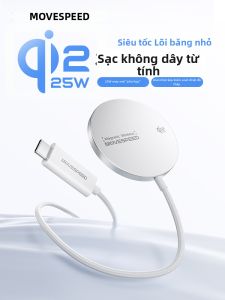
MOVESPEED | 25W Wireless Charger Low Temperature Fast Charging Gaming 1.2m
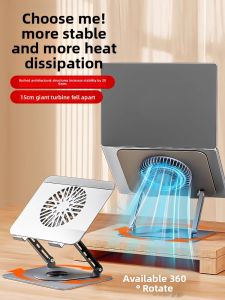
Cooling Rotatable Desktop Elevating Stand with Suspended Tray for Standing Office Use Foldable and Adjustable Notebook and Tablet Support 18 Inch
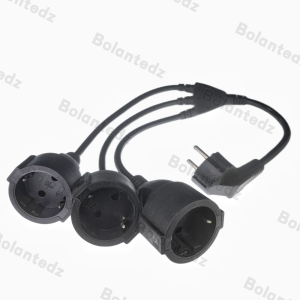
EU European Power Extension Cord with 2 3 AC Schuko Socket 250 V/16A Supply Electric Cable Triple Plug Adapter For Computer Home

ATK GEAR | Pro Gaming Wireless Mouse for Large Hands