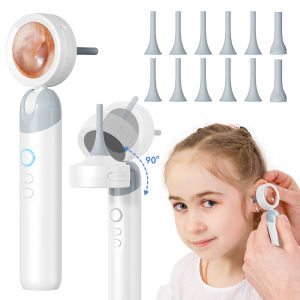
Visual Ear Camera 3.2mm Lens 1080P HD Ear Mouth Nose Check with 4 Lights for Kids and Adults Pets Support Take Photo Connect PC
Visual Ear Camera 3.2mm Lens 1080P HD Ear Mouth Nose Check with 4 Lights for Kids and Adults Pets Support Take Photo Connect PCAbout this Visual Ear Camera:1. Smart Camera: This product is a portable smart screen detector with a high-definition camera, 1920*1080 pixels, and a large 2000mAh battery.2. Video and photo storage: supports module LED light brightness adjustment, optical magnification, photo storage, Can be Expanded Memory card insertion for video storage, stored photo browsing, and deletion.3. Open and Play:Ready to use after powering on, no need to connect to a third-party APP, Type-C port can be expanded to display a third-party screen simultaneously.4. 2 types of inspection covers: different inspection and observation covers can be replaced to meet the observation of different usage scenarios.Product specifications:Screen parameters: 1.38 inches, IPS full viewing angle, PPI 246Image sensor: COMSLens level: high-precision endoscopeFocus mode: fixed focus, optimal working distance 1.4-2CMImage format: JPGVideo format: AVIBattery capacity: 2000mAhInput current: 5V 1AWorking time: about 8HCharging time: about 3HPC operating system: Windows vista/XP/7/8/10/11MacOS X11.0 or higherPacking list:1x Visual Ear Camera(Memory Card is not include)10x Ear Canal observation cover2x Skin observation cover1x Type C cable1xInstruction manualNote:Dear customers, please note that this product is a microscope/magnifier. The correct way to observe is to get1.4-2cm close to the object. If you exceed this range, the screen display will be blurry. Please know that before purchasing.Qeustion&Answer:Q: The device cannot be chargedA:(1) Replace the Type-C data cable with a normal one. (2) Turn on the main power of the power supply device (e.g. extension board power, computer power).Q: The computer cannot be connectedA:(1) Plug the data cable tightly, replace the data cable or use the original data cable. (2) The microscope host is not turned on. (3) Confirm whether the storage mode is correctly entered.Q: Photos and videos cannot be savedA:(1) If a memory card has been inserted, replace it with your own memory card. (2) If no memory card is inserted, insert your own memory card. (3) Format the memory card (Note: formatting will delete all data on the memory card, please remember to back it up in time).Q: The image displayed by the lens is blurryA:(1) The product has a fixed focal length. Please keep the LCD and the lens clean when using it to ensure clear images.

GlobalTechMart
Review

You May Also Like
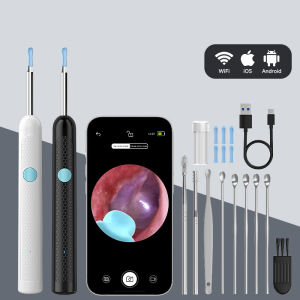
Visual 4.2mm 1080P HD Otoscope Camera for IPhone/Android WiFi Endoscope Ear Scope Ear Picker for Cleaning Ear Health Check Skin
![Canon RF 20mm F1.4 L VCM Lens [Canon RF] | Canon Singapore Warranty](https://img.lazcdn.com/g/ff/kf/Secaa3e4d81f945a29dbae8f9b44056c9Y.png_300x300q80.png)
Canon RF 20mm F1.4 L VCM Lens [Canon RF] | Canon Singapore Warranty

【1-year warranty】Pet Camera for Cats and Dogs | Toss Treats | 2K UHD 5MP | Pet Surveillance Camera | Petcama
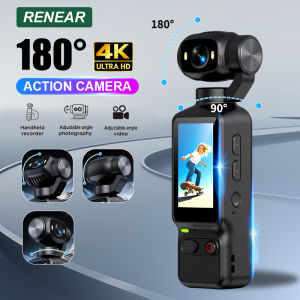
other | Portable HD 4K Action Camera Manual 90 180 Degree Rotation For YouTube Vlog Video Recording Record Life Handheld Action Camera
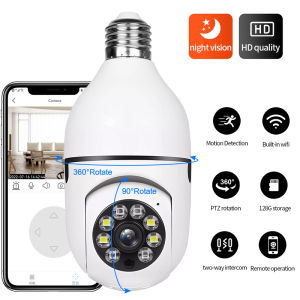
♥100%Original Product+FREE Shipping♥ E27 Bulb Wifi Surveillance Camera 4x Digital Full Color Automatic Body Tracking IP Wifi Camera HD Night Vision Baby Monitor
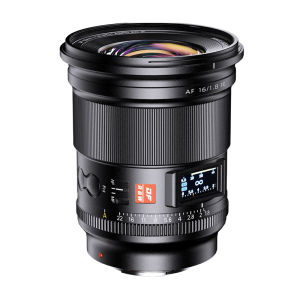
VILTROX(Viltrox) | Full Frame Ultra-wide Prime Star Photography Lens 16mm F1.8
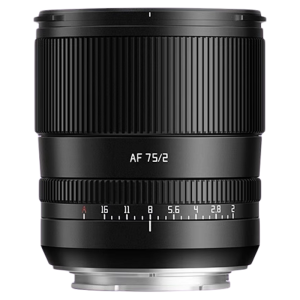
TTArtisan | Full Frame Automatic Lens 75mm F2
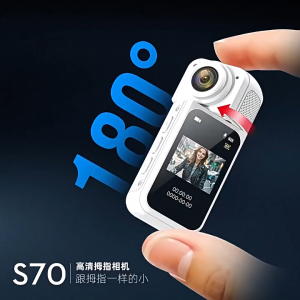
1.47 Inch IPS Screen Action Camera 2.7K Video Thumb Camera with 180° Rotating Lens Wi-Fi Support Magnetic Attachment Daily Sports
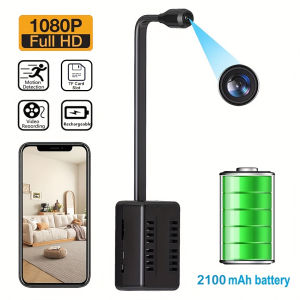
occkic | WiFi Wireless Camera Motion Detection Security Surveillance Camcorder Support Remote View 1080P HD Mini Camera Video Recorder
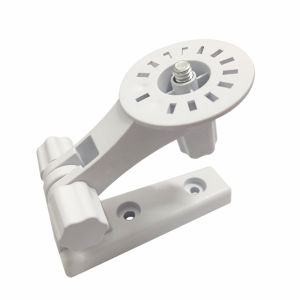
Hole-free Installation Surveillance Camera Bracket
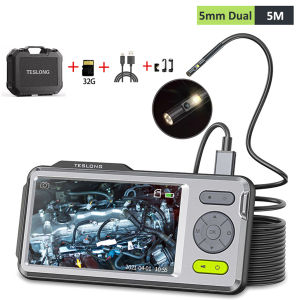
Teslong 5 IPS Screen 1080P 5mm Dual Lens 5m Flexible Cable Industrial Endoscope Camera for Home/Automotive/Pipe/Car/Wall 32GB