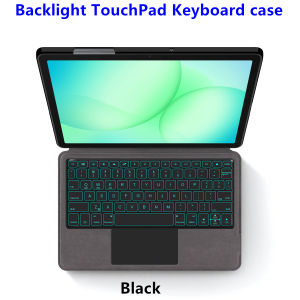
Keyboard Case For Samsung Galaxy Tab A11 Plus 11 inch 2025 SM-X230 X233 Tablet Keyboard Cover for Tab A11+ A9+ 11 Case Funda
This is an "all-in-one" keyboard case, TPU soft shell protective case, which can effectively protect your tablet. The keyboard and protective case cannot be separated .Bluetooth connection, with touch pad, with backlight ,Note: The keyboard comes with and without backlight, and you will get what you choose.How To Verify Your Tablet Model1.Turn Samsung tablet to the back find your specific model,Par exemple: SM-****2.Find the "Settings"--Click the "About"--Find the "Model"3.Please select the correct model number for your tablet purchase after viewing it.Applicable Models:For Samsung Galaxy Tab A11 Plus/A11+ 11 inch 2025 (SM-X230 /SM-X233 /SM-X235 /SM-X236B )For Samsung Galaxy Tab A9 Plus/A9+ 11 inch 2023 (SM-X210 /SM-X215 /SM-X216 /SM-X216B/X218 )These two models of keyboard covers are universal !!!Please confirm your machine model before purchasing~Attention PleaseEnglish versionkeyboard : There are English letters on the keyboard only.Multi-language versionkeyboard : English letters and carved language letters together .(Due to the keyboard material, the language characters carved out are dark gray.)(Due to the difference in the number of keyboard keys compared to a normal office keyboard, some special character engraving positions are the same, which is a normal phenomenon)(The keyboard Core defaults to English, and the characters engraved on the keyboard are only a Surface display.so in some countries, even if the input method is switched, the special symbols do not necessarily match the keyboard function layout.(You can hold down the Shift or AI combination)If you mind, please do not purchase)[1]Bluetooth connection method: Turn on the keyboard switch, then press and hold Fn+Z for about 2-3 seconds to start Bluetooth. The indicator light turns blue, and then turn on your tablet Bluetooth. Search for "Bluetooth Keyboard" and click connect to pair. After receiving the keyboard, fully charge it (about 4 hours).【2】Switch language: Open Settings - Language and Input Method - Physical Keyboard - Add Language Layout..【3】Input method switching: control+spacebar.(Choose the language you need)【4】For detailed instructions, please read the user manual. If you have any questions, you can contact "Online Services" for consultation .The resolution of the machine is different, and there may be color differences in the images, which is a normal phenomenon. The actual product received shall prevailNote: Tablet and Pencil are not included in the packaging!!The back bracket needs to be manually opened~~

GlobalTechMart
Review

You May Also Like
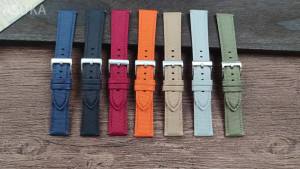
Nylon Canvas Watch Strap for IWC Pilot 20mm 22mm Strap Waterproof Sport Watch Strap Wrist Belt for Seiko for Men Women Bracelet
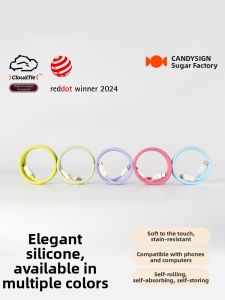
Candysign | Magnetic Fast Charging Silicone USB-C Data Cable
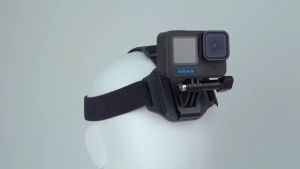
TELESIN 2 in 1 Head Strap Hat Clip Mount for Smartphone GoPro Insta360 DJI Action Camera
Tempered Glass For iQOO 15 Protector Film HD Clear 9H Anti-Oil Anti-Dust Bubble Free FM2000
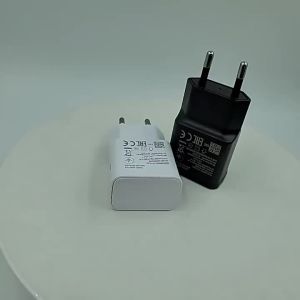
For Samsung 15W Fast Charger Quick Charge Power Adapter USB Type C Cable For Galaxy A31 A30s A20s A13 A11 A04 A03 M31 S9 Plus
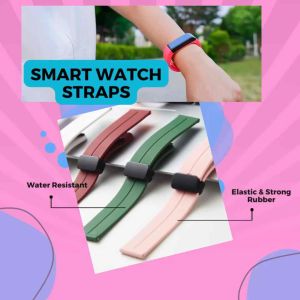
HPP Magnetic Smartwatch Straps for Samsung Xiaomi & More – Stylish Durable & Adjustable Bands
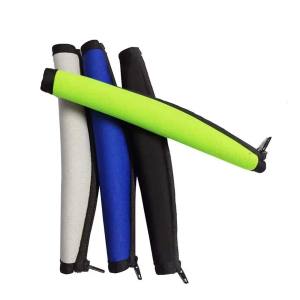
Elastic Headphone Headset Headband Cover Cushion Pad Protector Replacement for Bose QC15 QC2 QC35 QC25 Headset
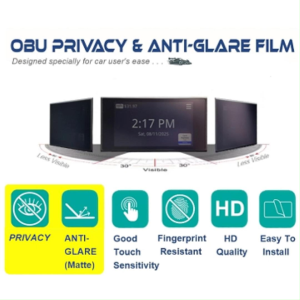
OBU Display Privacy Film With Anti-Glare Function
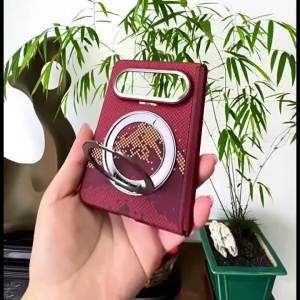
szhaiyu | For Samsung Galaxy Z Fold 8 Fold8 Wide Skin Feel Case With 360 Rotating Stand Shockproof For Magsafe Metal Lens Protection Cover
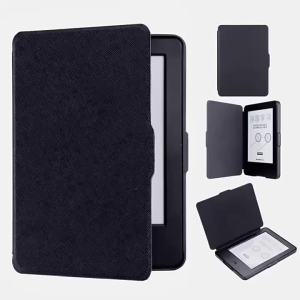
Case for 2014 Kindle 7th (WP63GW) 6-inch E-Book Protective Case Portable Lightweight All Inclusive Case
Magnetic Case For Google Pixel 11a Transparent Soft Cover Anti Yellow CA0003