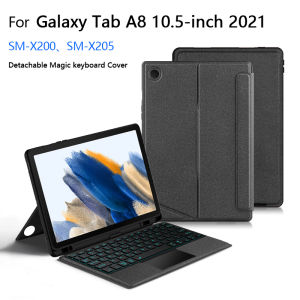
AJIUYU | Touchpad Keyboard For Samsung Galaxy Tab A8 10.5" 2021 SM-X200 SM-X205 Case Tab A8 10.5 Inch Detachable Magic Keyboard Cover
This is an detachable keyboard case, TPU soft shell protective case, which can effectively protect your tablet. The keyboard and protective case can be separated .Keyboard with Backlight and TouchPad.How To Verify Your Tablet Model1.Turn iPad tablet to the back find your specific model,Par exemple: SM- ****2.Find the "Settings"--Click the "About"--Find the "Model"3.Please select the correct model number for your tablet purchase after viewing it.Compatible models and codes:For Samsung Galaxy Tab A8 10.5 inch 2021(Model code: SM-X200、SM-X205 )Note: Tablet and stylus are not included in the packaging!!Please confirm your machine model before purchasing~Bluetooth connection, with touch pad, with backlight.,Horizontal and vertical support.Attention PleaseEnglish versionkeyboard : There are English letters on the keyboard only.Multi-language versionkeyboard : English letters and carved language letters together .【For example, if you choose French, there will be English and French letters on the keyboard. You only need to switch to the French input method to use it normally. Note that the same letters will not be engraved repeatedly】(Due to the difference in the number of keyboard keys compared to a normal office keyboard, some special character engraving positions are the same, which is a normal phenomenon)(The keyboard Core defaults to English, and the characters engraved on the keyboard are only a Surface display.so in some countries, even if the input method is switched, the special symbols do not necessarily match the keyboard function layout.If you mind, please do not purchase)【1】Bluetooth connection method: Turn on the keyboard switch, then press and hold Fn+C for about 2-3 seconds to start Bluetooth. The indicator light turns blue, and then turn on your tablet Bluetooth. Search for "Wireless Keyboard" and click connect to pair. After receiving the keyboard, fully charge it (about 4 hours).【2】After connecting Bluetooth,Take the samsung tablet as example,open Settings--ystem--Language & input--Add New Keyboard. (For other systems, please set them in the system settings according to the tips of the iPad example.)【3】Input method switching: control+spacebar.(Choose the language you need)【4】Type-C charging interface,Bluetooth connection【5】For detailed instructions, please read the user manual. If you have any questions, you can contact "Online Services" for consultation .The resolution of the machine is different, and there may be color differences in the images, which is a normal phenomenon. The actual product received shall prevailThe back bracket needs to be manually opened~~

Prime Supply_Play Life
Review

You May Also Like
Bosch Clean & Care 17003048 Vacuum Cleaner Dust Bags BBZ41FGALL (Type G ALL 4)
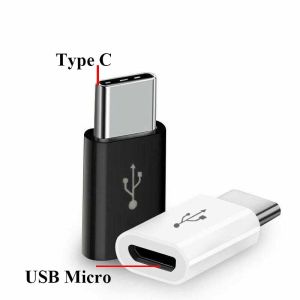
2pcs Micro USB Female to Type C Male Adapter Converter Micro-B to USB-C Connector
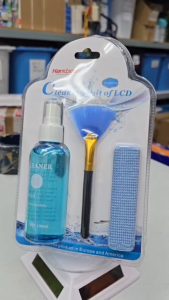
3-in-1 100ML Cleaning Set Cleaner for Laptop / Phone /TV LCD Monitor Screen/Camera Cleaning kit FHHB010E
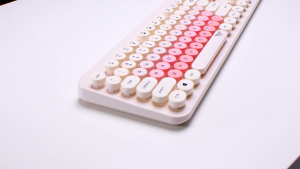
Alcatroz JellyBean A5000 Rechargeable 2.4G Wireless Keyboard Mouse Combo 1600 CPI
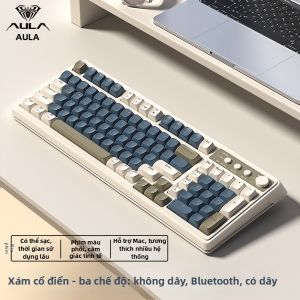
AULA | Wireless Bluetooth Mechanical Feel High Appearance Keyboard
2PCS Tempered Glass For Sony Alpha A7RV A7R5 A7M2/3/4 A7II/III A7R2 RX100 ZV1 Scratch Resistance Screen Protector Camera Film
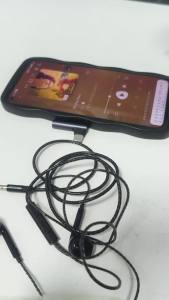
90 Degree Right Angle USB C to 3.5mm Audio Jack Adapter Type-C Male to 3.5mm Female Headphone Aux Converter
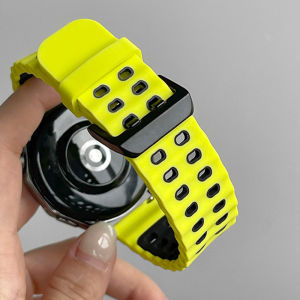
Sport Silicone Strap For Huawei Watch GT 7 Pro GT7 46mm 41mm Smart Watch Band Breathable Wristband
🔥Original and Authentic🔥Replacement Compatible with Philips ac2887 fy2422 fy2420/ac2882/ac2885/ac2889/ac2892 Filter Air Purifier Accessories HEPA&Active Carbon Nano Protect filter Series 2000 2000i
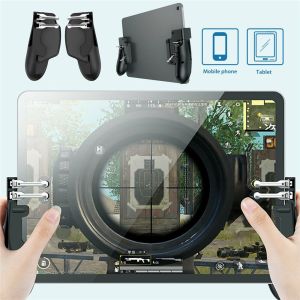
XENIA Metal Button Portable Mobile Gaming PUBG Game Trigger Joystick Gamepads for Tablet Controller
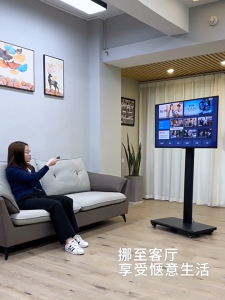
【SG】26"-43" inch Mobile LCD TV Stand Vertical TV Trolley Stand Adjustable All-in-one TV Floor Cart