LEVINO 360° rotation Case with Keyboard For iPad Air 11 Pro11 Gen10 Air 5/4/10.2 A16 Generation Bluetooth Keyboard Mouse
Welcome to LEVINO ! AAA. How to connect the keyboard------ Please press FN + C until the bluetooth indicator light become flashing, so that it can be detected by your device. Then turn on your device's bluetooth and click to connect. BBB. Why the keyboard indicator light auto off------ The keyboard indicator lights will be auto off while charging and using, that is normal, it is for saving power, not defective. It will not affect the using, and it doesn't mean the keyboard is out of battery or cannot be charged. Please don't worry, please try to use it first. CCC. How to connect the mouse------ But if there is no green light come out after turn on, please long press its DPI button until the green light comes out. Green light means it is searching and pairing, then you can connect it on your device. ------------------------------------------------------ Material: Soft Flexible Silicone + Acrylic Keyboard: Detachable wireless bluetooth keyboard Battery: Built-in large capacity rechargeable lithium battery Function: 720°Rotate Case / Wireless keyboard / Anti-bend case / Built-in pencil slot / Built-in stand Keyboard Features-- -Operating Distance to 10 meters -Charging Time:1 hours -Lithium Battery Capacity: 480mAh -Working Time: 240 hours -Standby time: About 30 days -Lithium Battery Life:3 years Package Content-- Option"Full Set"--- 1 x Bluetooth Keyboard 1 x Leather iPad Case 1 x Type-C Charging Cable 1 x User Manual 1 x Bluetooth Mouse(Not Require USB connector) (Not included iPad & pencil) Option"Case+Keyboard"--- 1 x Bluetooth Keyboard 1 x Leather iPad Case 1 x Type-C Charging Cable 1 x User Manual (Not included iPad & pencil)

Levino

Review

You May Also Like
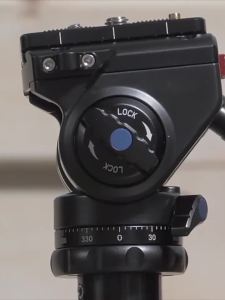
SIRUI | Professional Hydraulic Damping Tripod Head For Video
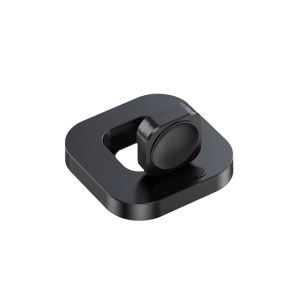
Earise | Wireless Magnetic Fast-Charging Apple Watch Charger with Portable Folding Stand

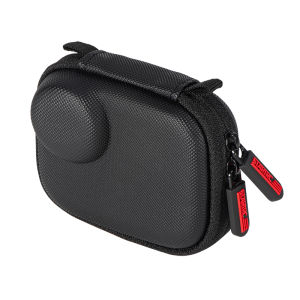
HIKEMAN | DJI Pocket 3/4 Portable Protective Sling Bag
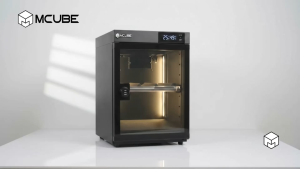
MCUBE 50L Digital Dry Cabinet | Dry Box for Camera & Lens | Humidity Control Storage
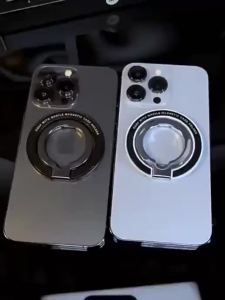
RQZN | Dual-axis Magsafe Magnetic Ring Phone Stand with Foldable Design and Metal Magnetic Circle for Multi-functional Car Support and Rotatable Desktop Use
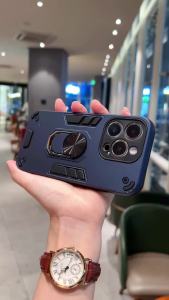
szhaiyu | Amor Shockproof Phone Case For POCO X7 X8 F8 Pro Max Ultra C71 C85 Ring Holder Stand Heavy Duty Protective Hard Cover

WIWU Case for iPad (A16)11th Generation (2025)/iPad 10th Generation 10.9 Inch (2022) Multiple Angles Magnetic Stand Cover Pencil Holder Slim and Lightweight Design
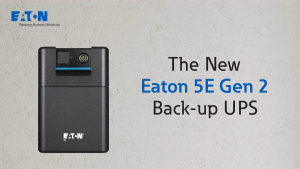
Eaton 5E1200UI-EA Gen2 UPS USB IEC 1200 VA 660 W Input: C14 Outputs: (6) C13 Tower
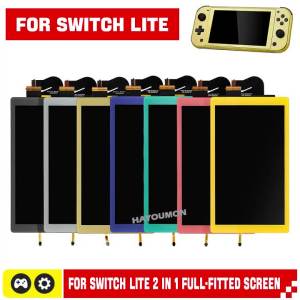
Gold Replacement 2IN1 for NS Switch Lite Console LCD Display+Touch Screen Full-Fitted Screen Assembly Digitizer for Switch Lite
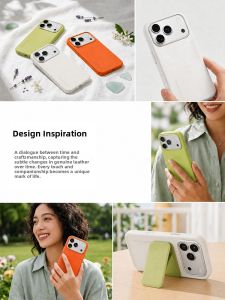
fansdreams | Real Leather Anti-drop Phone Case

8-in-2 USB Type-C Docking Station Hub Adapter With 3.5mm Audio Jack Micro SD Card Reader Compatible With Laptops Tablets