Wireless Bluetooth Backlit Keyboard For iPad Pro 11 2018-2022 Multi-Touch Tablet Hebrew Arabic Spanish Smart Magnetic Book Cover
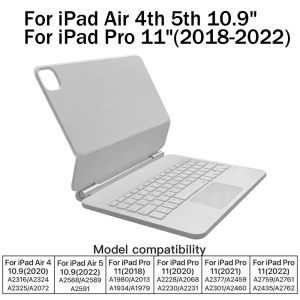
EMTRA For New iPad 2025 Magic KeyboardEnglish versionkeyboard : There are English letters on the keyboard only.Multi-language versionkeyboard : English letters and carved language letters together ..ãFor example, if you choose French, the keyboard will display English and French letters. Please note that the same letters will not be engraved repeatedlyãï¼Due to the difference in the number of keyboard keys compared to a normal office keyboard, some special character engraving positions are the same, which is a normal phenomenonï¼The keyboard Core defaults to English, and the characters engraved on the keyboard are only a Surface display.so in some countries, even if the input method is switched, the special symbols do not necessarily match the keyboard function layoutï¼You can hold down the Shift combinationï¼.If you mind, please do not purchaseï¼ï¼.Magnetic adsorption, backlight, touch panel, multi angle supportãWireless Bluetooth connectionNote 1:You need to upgrade iPad OS to version 15.0 or higher to use the touchpad.Note 2:Please check in the size and detail model of your iPad. it is very importtant ! ! !Note 3:After Open the Power, Please Click "Fn" and "C" ãFn+CãButton Together to Open the Keyboard's Bluetooth. It is Very Important!!!Note 4:Switch language: Open Settings - Language and Input Method - Physical Keyboard - Add Language Layout.Your choiceFor iPad Air 4th 5th 10.9"For iPad Pro 11"(2018-2022)Applicable model:A2316/A2324/A2325/A2072/A2588/A2589/A2591A1980/A2013/A1934/A1979/A2228/A2068/A2230/A2231A2377/A2459/A2301/A2460/A2759/A2761/A2435/A2762How To Verify Your Tablet Model1.Turn iPad tablet to the back find your specific model,Par exemple: A****2.Find the "Settings"--Click the "About"--Find the "Model"3.Please select the correct model number for your tablet purchase after viewing it.ã1ã1. After connecting Bluetooth, open your iPad - Settings - Keyboard - Add New Keyboardã2ãInput method switching: control+spacebar.ï¼Choose the language you needï¼Quick Gesture OperationSupports a variety of operating gestures for easy and quick useMagnetic levitationThe back panel has strong magnetic attractionwhich is stable and does not fall offMulti-color backlight7 colors to choose fromMultifunctional TouchpadEasily return to the main screen, switch between differentapplications, Cooperate with multi touch gesturesEnglish+

GlobalTechMart
Review

You May Also Like
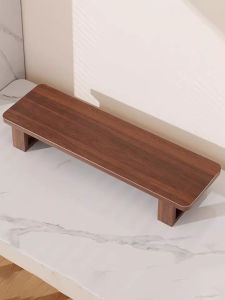
Elevated Computer Monitor Stand Desktop Organizer

TORRAS Ostand Spin Air Case for iPhone 17 Pro / 17 Pro Max – 360° Magnetic Kickstand Ultra-Slim Military Drop Protection MagSafe Compatible
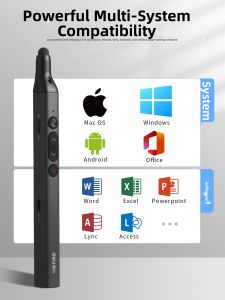
deli | Laser Pointer Teaching Pointer with Touchscreen Writing Function Compatible With XiWo Whiteboard
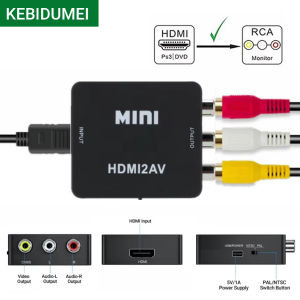
1080P HDMI-compatible to AV RCA Converter Box HDMI2AV Adapter With USB Cable Support NTSC PAL For PC HDTV Projector

Bandai | Mouse Pad White PC Accessories One Piece Anime Girl Mousepad Laptop Gamer Keyboard Pad Office Computer Gaming Rubber Mouse Mat
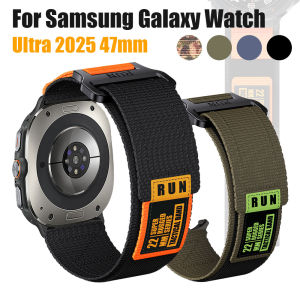
Sports Breathable Nylon Strap For Samsung Galaxy Watch Ultra 2025 47mm Replacement Watchband For Samsung Galaxy Watch Ultra 47mm
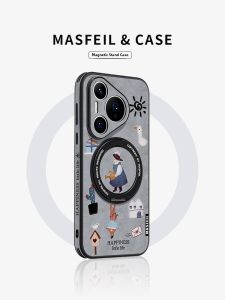
MASFEIL | Anti-Drop Phone Case with Bracket Full Cover P70
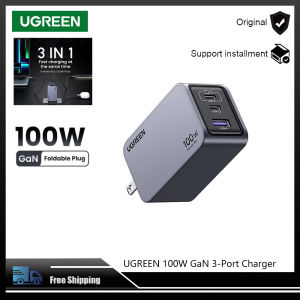
UGREEN 100W GaN USB C Charger 3-Port Fast Wall Charger Travel Charger
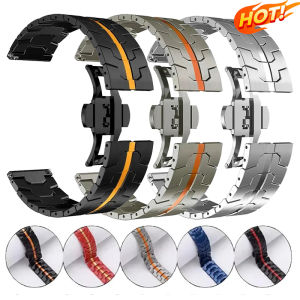
Metal 22mm Wrist Strap For OnePlus Watch 3 2 2R Sports Replacement Wristband Bracelet For OPPO Watch 4 Pro X X2 Band Correa
3C CCC Certifed 66w Fast Charging Powerbank 10000mAh 20000mAh 30000mAh Dual USB + Type C LED Digital Display Power Bank High Capacity 快充充电宝
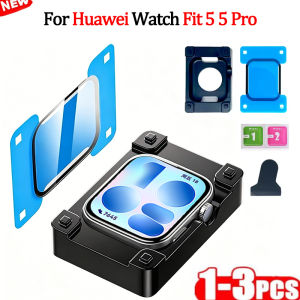
Easy To Install Screen Protector for Huawei Watch Fit 5 3D Curved Full Coverage Protective Film for Huawei Fit 5 Pro