Magnetic Mini Selfie Stick Tripod for Cellphone with Extension Rod Wireless Remote Fill Light Option for Smartphone Vlog Shoot
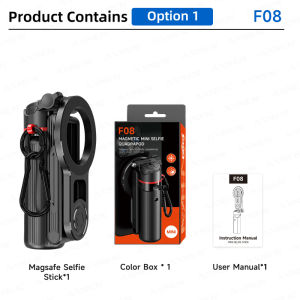
About the Zoom ButtonFor iOS devices, you must enable the zoom feature before use: Go to “Phone Settings” > “Accessibility” > “Zoom” > turn on “Zoom.” Once “Zoom” is enabled, the screen will be magnified; double-tap the screen with three fingers to return to the normal view. At this point, the remote control’s zoom function will work properly.Strong Magnet 1-Second InstallationMagnetic installation is more convenient than traditional clamp installation.Multi-Function Phone Clip (Optional)Magnetic attachment/clamping, two mounting options dual cold shoe mounts support expansion with additional equipment.Grip-Assisted Effortless ShootingTurn your phone into a stylish camera companion.Stretch Freely Selfie-FriendlyBeginners can capture cinematic visuals too.One-Touch Open4-Legged TripodPress the button to activate tripod mode.Stabilizing Inner Support Powerful SupportA more stable triangular structure provides effective support for shooting.360° ADJUSTMENTFreedom from multiple angles.Multi-Function Remote One-Touch Zoom* if the front camera lacks zoom functionality, the zoom adiustment cannot be controlled via the remote.Detachable Remote Control10-Meter range effortless shooting.Pocket-Sized Mini& PortableSmaller and lighter than a phone.Seamlessly Switch Between Various FormsVersatile and adaptable to meet all your shooting needs.

GlobalTechMart
You May Also Like
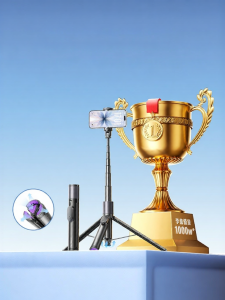
Lisen | Compact Multi-Function Selfie Stick tripod
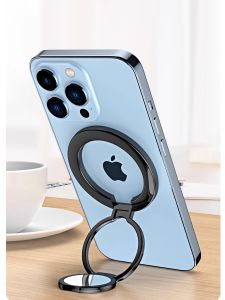
Piple | Magnetic Ring Stand for Smartphones
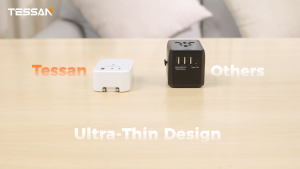
TESSAN Travel Adapter Plug Ultra-Thin Design with USB Ports USB Charger Portable Adaptor
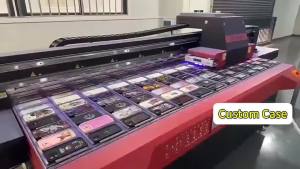
Playful Pink Floral Art For iPhone 17 16 15 14 13 12 Pro Max Slim Shockproof Cover for iPhone Air Case Blank
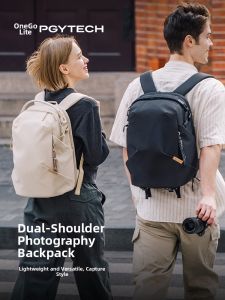
PGYTECH | Photography Backpack Laptop Organizer Suitable for DSLR
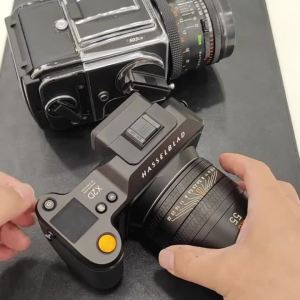
2pcs Camera Strap Adapter Connecting Lugs H Buckle Straps Clip for Hasselblad X2D 500C 501CM 503CX 503CW Pentax 645N Bronica ETR
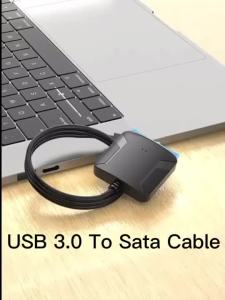
SATA to USB 3.0 Adapter Cable for 3.5/2.5 Inch SSD HDD SATA III Hard Drive Disk Converter Support UASP with 12V Power Adapter
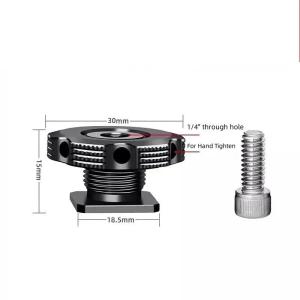
1/4 Camera Hot Shoe Mount Screw Adapter to 1/4 or M14 for Tripod Microphone Monitor One Nut Microphone Screw Adapter
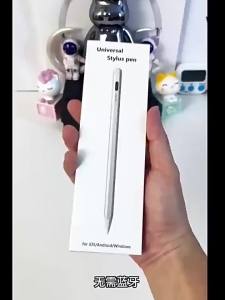
Writing and Drawing Capacitive Stylus
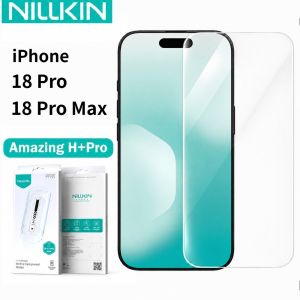
NILLKIN Tempered Glass For iPhone 18 Pro Max Protector Film Anti-Oil Anti-Fingerprint 9H 2.5D FM5001
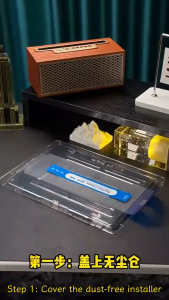
✅【SG】iPad Screen Protector | One Click Installation Tempered Glass | iPad A16 2025 10th Gen | Air 11 13 M2 M3 M4 | Pro 11 13 M4 M5 | Mini 6 7 | HD Clear Anti-Scratch Easy Install Glass Film