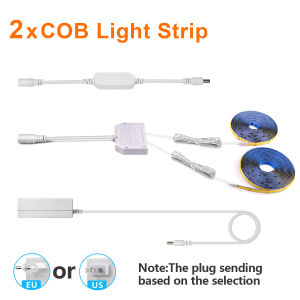
TUYA Smart COB LED Group Lighting Set 2/4/6PCS Work With Alexa Echo Plus Google Assistant APP Voice Control For Cabinet Showcase
1.when the light strip is flashing, it is in a waiting state for matching. The mobile app needs to connect to 2.4GHz WiFi and make a matching connection. After successful connection, the light strip will no longer flash2.The holes on the controller are not power indicator lights, but are used to receive voice signalsSpecification:Item Type: Smart WIFI Cabinet LightingLighting Color: White/Warm White/Neutral WhiteLED Strip Type: COBLED QTY:320Pcs/MPCB Width: 8MMColor Temperature: Warm White (2800K-3000K)/Neutral White(4000k-5000K)/White(6000K-6500K)Length:1M/2M(can be customized,per 2.5cm can be cuttable).Input Voltage: AC100V-240VPower Adapter: EU Plug / US PlugType:Tuya WIFI ControllerInput Voltage: DC12VNetwork: 2.4GHz Wi-FiApp Download: Tuya or Smart LifeSupport Mobile: Android/IOSFunction: Voice Control, APP Remote Control, Dimmable, Compatible with Amazon Alexa Echo Google Home Assistant, IFTTTFeatures:Application:Bedroom, kitchen, living room, bathroom cabinet, wardrobe, wine cabinet, shoe cabinet,Double Door【Remote Control】 Even you are not at home, you can control your smart led strip on/off with your phone via Tuya or Smart Life App. Easily set schedule for your smart led strip. Customize your home light system, like setting lights to come on at dusk or turn off at sunrise. You can create a group for all of your smart led strip and control them all with just one command. Works with 2.4GHz Wi-Fi network.【Voice Control】 Control your smart led strip via your voice with Google Assistant . Just give a voice command to turn on/off or dim/brighten your light, No hub required and easy to install. No need subscription.【Energy Saving&Wide Usage】With LED technology, Save your electricity charge with newest lighting technology.Tips--AppBe sure that you are using 2.4GHz WiFi when connecting with the smart bulb. And WiFi must be detectable status. Many routers have 5 GHz and 2.4 GHz network and your phone will always automatically connect to the 5 GHz network. So, you have to completely turn off your 5 GHz network by going to your router settings (enter the router IP address into your internet browser, usually something like 192.168.1.1), forcing your phone to connect to the 2.4 GHz network.In addition, the router encryption mode must be WPA2-PSK type and the authentication type must be AES.Package Included:1.COB LED Strip Light2.WIFI Swtich3.LED Driver(EU or US Power plug)4. 1X Dupont HUB

Prime Supply_Play Life
Review

You May Also Like
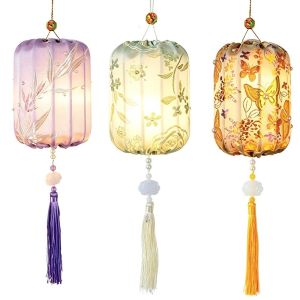
NovaWear mid autumn lantern diy 中秋节灯笼 Handmade Brocade Lantern DIY Glowing Traditional Wooden Lamp Kit Chinese Flower Lantern Creative Mid Autumn Craft Kids
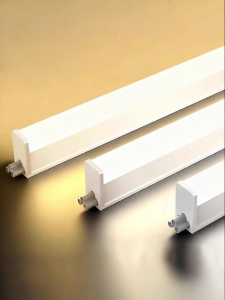
YUANMUXUAN | Ultra Bright Energy Saving Integrated Tube Light 1.2m
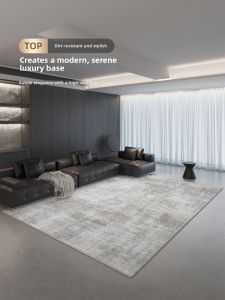
XIANGSU | New Easy-to-clean Italian Minimalist Carpet
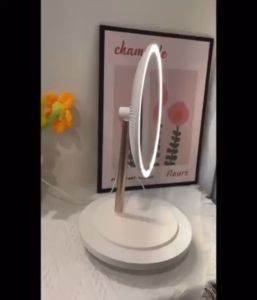
💟SOLUTION65💟 Mini Smart Touch Mirror with Lights Makeup Arched Mirror with Smart Touch Control3 Color Modes LED Smart Mirror Dimmable Light Desktop Mirror Dressing Table Mirror Makeup LED Mirror Smart Mirror with LED Round Mirror LED light
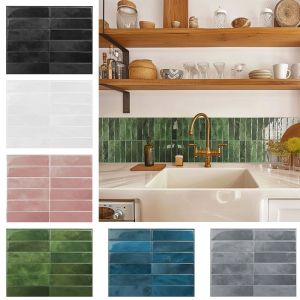
K7SEQ Waterproof Self Adhesive Tile Wall Stickers Moisture-proof Oil-proof Wallpaper Self-adhesive Wall Paper Anti Fouling Stove Sticker

Random 1PC High Quality Colorful Aura Amethyst Clusters Crystal Natural Crystal Raw StoneGemstone JewelrygiftCrystalOrnaments
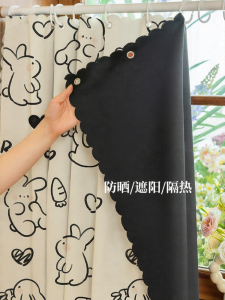
YANYANGTIAN | Expandable Punch-Free Fully Blackout Curtain Waterproof Partition
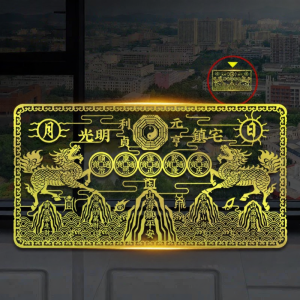
YISHUIGE | Decorative Outdoor Indoor Amulet Metal Sticker Hanging Decor
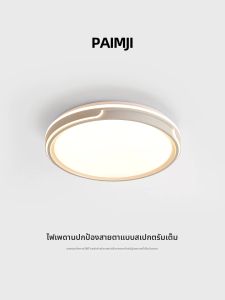
PAIMIJI | Modern Full Spectrum Eye-Protective Ceiling Light for Home Use
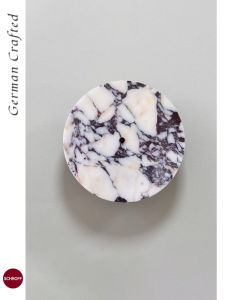
Schroff | Luxury Designer Marble Wall Lamp for Bedroom Staircase Living Room

Ornamental Blue and White Porcelain Plate