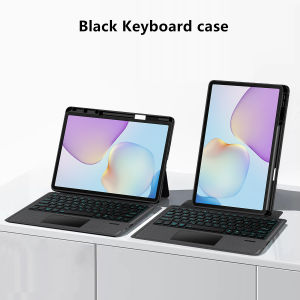
Backlight Magic Keyboard Case For Huawei MatePad 11.5 inch 2025 2026 TXZ-W09 W10 Tablet Smart TouchPad Cover with Pencil Holder
This is an detachable keyboard case, TPU soft shell protective case, which can effectively protect your tablet. The keyboard and protective case can be separated .Keyboard with Backlight and TouchPad.Bluetooth connection, with touch pad, with backlight.,Horizontal and vertical supportNote 1:You need to upgrade your tablet to version 15.0 or higher to use the touchpad.Note 2:After Open the Power, Please Click "Fn" and "C" ãFn+CãButton Together to Open the Keyboard's Bluetooth. It is Very Important.How To Verify Your Tablet Model1.Turn Huawei tablet to the back find your specific model,Par exemple: TXZ -****2.Find the "Settings"--Click the "About"--Find the "Model"3.Please select the correct model number for your tablet purchase after viewing it.Applicable Models:For Huawei MatePad 11.5 inch 2025 (Model: TXZ-W09).For Huawei MatePad 11.5 inch 2026 (Model: TXZ-W10).The above four models of keyboard covers are universal.Please confirm your machine model before purchasing~Attention PleaseEnglish versionkeyboard : There are English letters on the keyboard only.Multi-language versionkeyboard : English letters and carved language letters together ãFor example, if you choose French, the keyboard will display English and French letters. Please note that the same letters will not be engraved repeatedlyãï¼Due to the difference in the number of keyboard keys compared to a normal office keyboard, some special character engraving positions are the same, which is a normal phenomenonï¼The keyboard Core defaults to English, and the characters engraved on the keyboard are only a Surface display.so in some countries, even if the input method is switched, the special symbols do not necessarily match the keyboard function layoutï¼You can hold down the Shift combinationï¼.If you mind, please do not purchaseï¼ï¼.ã1ãMethod to connect Bluetooth: Turn on the keyboard switch, press theFn+Cbutton for about 2-3 seconds, the blue light on the keyboard indicator will flash, and then search for your tablet's Bluetooth connection keyboard.ã2ãSwitch language: After connecting Bluetooth, open your Tablet - Settings - Keyboard - Add New Keyboardã2-1ãInput method switching: ctrl+spacebar.ï¼Choose the language you needï¼ã3ãFor detailed instructions, please read the user manual. If you have any questions, you can contact "Online Services" for consultation .The resolution of the machine is different, and there may be color differences in the images, which is a normal phenomenon. The actual product received shall prevail .Note: Tablet and Pencil are not included in the packaging~

GlobalTechMart
Review

You May Also Like
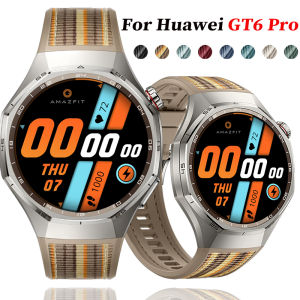
Nylon Silicone Woven Strap for Huawei Watch GT6 Pro 46mm Wristband Bracelet for For Huawei Watch GT6 Pro Sports Band Accessories
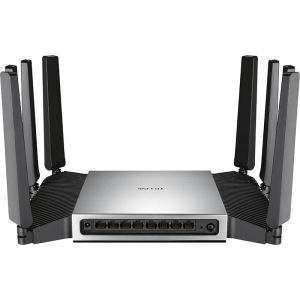
TP-Link | Dual Band Wi-Fi 7 Whole House Coverage Mesh Game Acceleration Router 7200Mbps
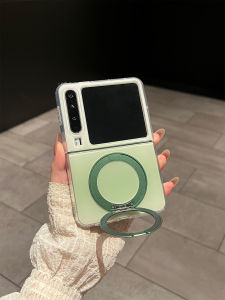
Gradient Transparent Huawei PuraX Phone Case Flip Support Anti-fall Protection
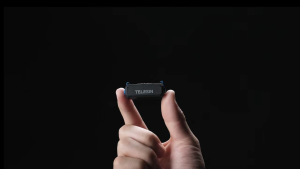
TELESIN Camera Charging Adapter Base Mount for DJI Osmo Nano

Logitech | Logitech Pebble 2.0 M350s Dual Mode Silent Wireless Bluetooth MouseThin Portable Office Mice for Women Travel Genuine New
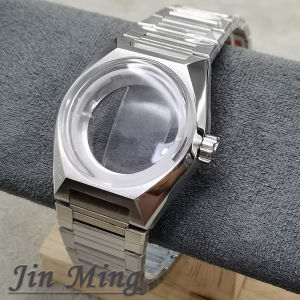
41mm High Quality Stainless Steel Watch Case Arched Glass Replacement Suitable for NH35 NH36 NH38 Movements 33mm Dial Fit
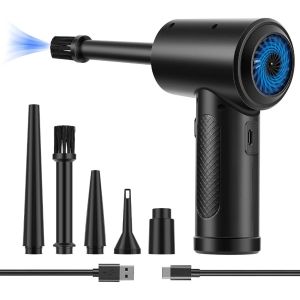
3 Gear 51000RPM Electric Air Dust Collector Compressed Air Dust Collector Portable Air Blower with LED Ligh for Computer Keyboard Fast Charging (Black)
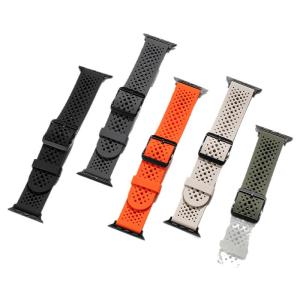
CRAFTSMAN DAI | Hollow Breathable Liquid Silicone Smart Sport Strap
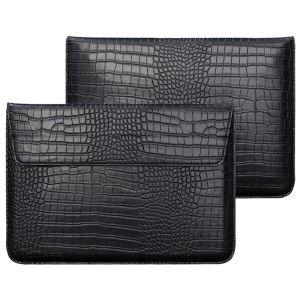
Crocodile Leather Flip Case Bag Laptop Sleeve for Macbook Air 13 14 15 16 Inch M5 M4 M3 M2 Chip Mac Book Pro Cover Accessories
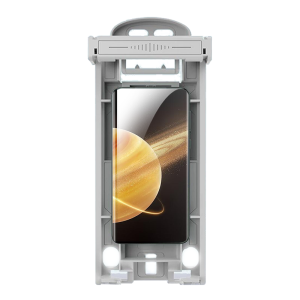
JLD | Privacy Protection Foldable Phone Screen Protector
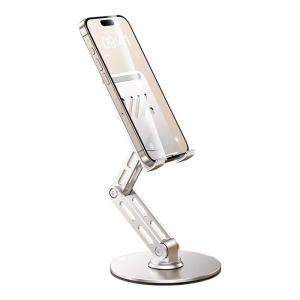
RQZN | Adjustable Aluminum Phone & Tablet Stand