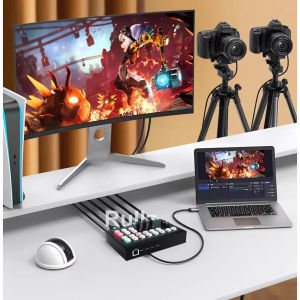
4 Channel HDMI Video Switcher Multi Camera Live Streaming Broadcast Production Video record capture
Upgrade 1080p60 Full HD Video switcher for live streaming Brand new and high quality,buy with confidence! Features: * 4 HDMI input; 2 HDMI output; * One Type-C 3.0 capture and push network traffic port, supports video format YUY2; * Support OSD display input channel signal, resolution information, volume information; * Support MIC,LINE IN,mixing output (LINE OUT fixed mixing output); * Support HD audio following (fixed following PGM); * Support left and right two segmentation (PGM on the left, PVW on the right); * Support LINE OUT and HD audio output; * Support power-off save Settings; * High quality keys, color backlight design HDMI resolution ................................................................................. 1080P@60Hz Type-C 3.0 capture and push network traffic video format ............................ YUY2,JPEG Supports audio format ................................................................................................. PCM The input cable length ........................... 1080P/60Hz≤15 m AWG26 HDMI standard cable The output cable length ......................... 1080P/60Hz≤15 m AWG26 HDMI standard cable Maximum working current ........................................................................................... 0.7 A Power adapter specifications .......... Input AC(50Hz,60Hz)100V-240V; Output: DC/12V 2A Working temperature range ....................................................................... (-15℃ to +55℃) Size ..............................................................................................Approx. 180x115x52(mm) Package Content: 1. Video switcher for live streaming 1PCS 2. 1M Type-c USB3.0 to USB-A 3.0 cable 10Gpbs) 1PCS 3. DC/12V power adapter 1PCS 4. User manual 1PCS Without retail box and other accessories,if any need,pls contact us before purchase.1: FTB -- PGM turns on or off to black screen 2: PIP -- Enter or exit picture-in-picture mode (PGM background, PVW small image, audio follows PGM); 3: SPLIT -- Left and right two segmentation (PGM on the left, PVW on the right); 4: AFV -- audio follows PGM image; 5: MIX -- Audio mix (MIC1-2/Line in/HD); 6: MUTE -- Turn on or off the mute; 7: PGM_1 -- PGM image switched to HD1; PGM_2 -- PGM image switched to HD2; PGM_3 -- PGM image switched to HD3; PGM_4 -- PGM image switched to HD4; BAR -- PGM blue image turn on or off; STILL -- PGM image is frozen or unfrozen; 8: PVW_1 -- PVW image switched to HD1; PVW_2 -- PVW image switched to HD2; PVW_3 -- PVW image switched to HD3; PVW_4 -- PVW image switched to HD4; BAR -- PVW blue image turn on or off; STILL -- PVW image is frozen or unfrozen; 9: Mic1 -- Tap MIC 1 to turn on or off the Input volume, rotate to adjust the volume. 10: Mic2 -- Tap MIC 2 to turn on or off the Input volume, rotate to adjust the volume. 11: Line In -- Tap to turn on or off analog audio input , rotate to adjust the volume; 12: Slider key - Fade in and out between P

Qkens Store
Review

You May Also Like
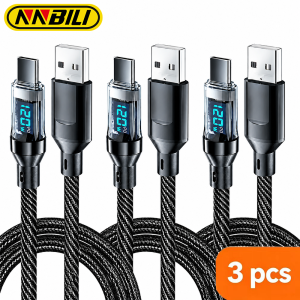
NNBILI 3pcs Fast Charge Cable 120W USB Type C To USB C Data Transfer Cord USB A To Type C With LED Digital Display Type C Cable
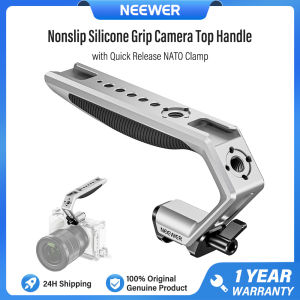
NEEWER CA111 Camera Top Handle with Quick Release NATO Clamp Non Slip Silicone Grip for Camera Cage Video Rig

GTRBFDS Silicone Watch Band Breathable Adjustable Sport Strap Rubber Bracelet Replacement Wristband for Google Fitbit Air for Men Women
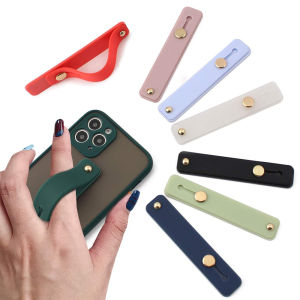
Wrist Band Hand Band Finger Grip Mobile Phone Holder Stand Push Pull Universal Plain Color Phone Socket Holder for iPhone Xiaomi
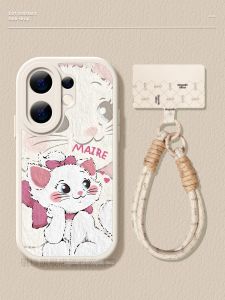
CIJING | Women Protective Case Anti-Fall Sheepskin & Soft Silicone Compatible with vivo Smartphones

Ringke Magnetic Slot Card Holder Compatible with MagSafe Slim Hard PC Wallet for Back of Phone Smartphone Cases
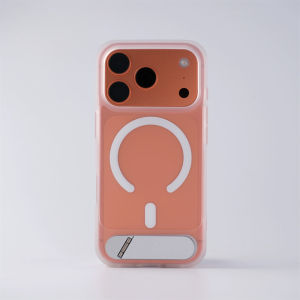
Hidden Stand Magnetic Phone Case For iPhone 17 16 15 14 13 Pro Max For MagSafe Soft Edge Translucent Hard Back Cover For iPhone 17 Air 16 15 14 Plus Non-Slip Shockproof Protection Casing
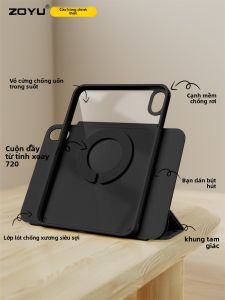
Zoyu | Magnetic Detachable Rotating 720 Protective Case Slim Design
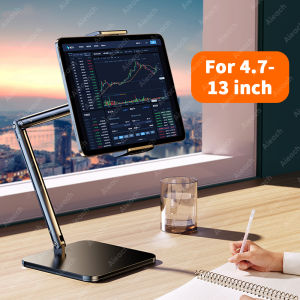
Tablet Stand Holder 15 in Adjustable Long Metal Flexible Arm for 4.7-13 in Phone iPad Stand Ergonomic Desktop Holder Multi-Angle
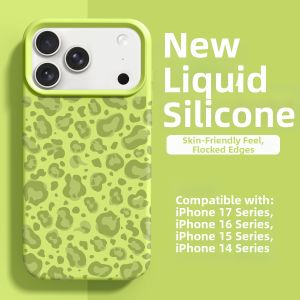
pinsai | New Shatterproof Phone Case for iPhone 17 Pro Max
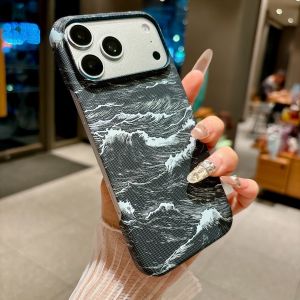
szhaiyu | Carbon Fiber Kevlar Texture Leather Magnetic Phone Case for IPhone 13 14 15 16 17 Pro Max Air Hard Plastic Protective Cover