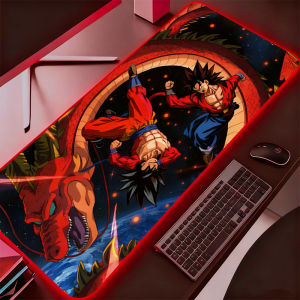
Bandai | Backlight XXL Rubber Large PC Mousepad RGB Gamer Gaming Mouse Pads LED Desk Keyboard Mat Dragon Ball DBZ Computer Mat
一、 Switch machine:1. Click the switch button to start the machine;2. Press and hold the switch button for 3 seconds to shut down.二、 Lighting mode (the following description is the sequence of cycles and does not represent the factory state. The tester presses a certain gear before shipment, and the user is in a certain gear when powered on):1. Red2. Blue3. Green4. Purple5. Green6. Yellow7. White8. Asynchronous gradient9. Synchronous gradient10. Flicker11. Red flashing gradient12. Turn off the lights13. Synchronous breathing14. Asynchronous breathingSpecial note: when the user is powered on, he will see the self-test of red, blue and green on the luminous mouse pad. If red, blue and green are displayed, it indicates that the light is normal.3、 Double click brightness adjustment

Prime Supply_Play Life
Review

You May Also Like
NEEWER Tablet Metal Holder for iPad Tripod Mount Adapter with Cold Shoe Arca Type Base NATO Interface 1/4" Screw Universal Tablet Clamp PA100
【🔥SG🔥】RICHMENTMALL Clear/180° Privacy Tempered Glass Film For Xiaomi Redmi Note 15/Note 15 Pro/Note 15 Pro Plus Anti-spy Screen Protector
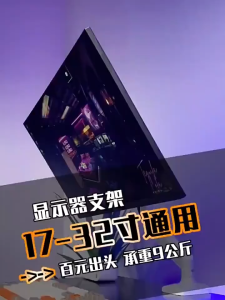
Monitor Stand Monitor Bracket Computer Monitor Arm Adjustable Single Monitor Ergonomic Desktop Stand
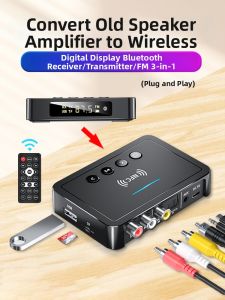
TOFON | Wireless Bluetooth Receiver Lossless Transmission FM Card U盘NFC Adapter
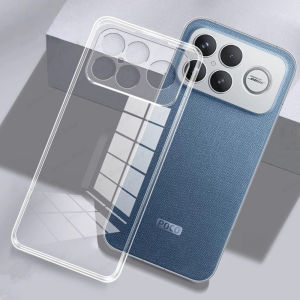
Soft Transparent Phone Case for POCO F8 F7 Ultra F6 F5 M7 M6 M5 M4 Pro TPU Back Cover for POCO X8 X7 X6 X5 X4 X3 Pro 5G Fundas
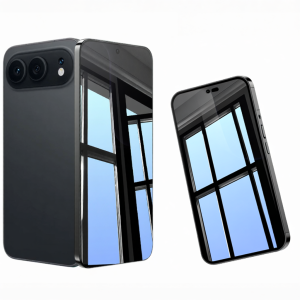
Newyu | Universal Full Coverage Protective Tempered Glass Film

RQZN | Magnetic Foldable Rotating Phone Stand
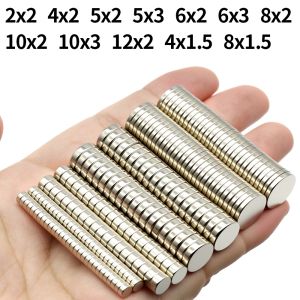
Super Strong Neodymium Magnet N35 NdfeB Permanent Magnetic imanes Round Powerful Magnets Refrigerator Magnet 2x2/6x2/6x3/10x3
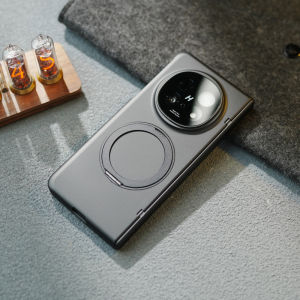
LUXUAN | Foldable Phone Case with Integrated Stand and Protective Cover for OPPO Find N5
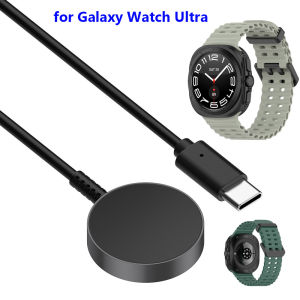
Galaxy Watch 8 Charger for Samsung Galaxy Watch Ultra 47mm/ Watch 7 / Active 2/ Watch 6 Classic 43mm/ Watch 5 Pro Charging Dock
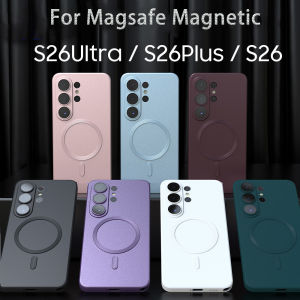
Metallic Paint Magnetic Case For Samsung S26 S25 Edge S24 S23 S22 S21 Ultra Plus FE A57 A37 A17 A56 A36 A26 A55 A35 A54 Cover