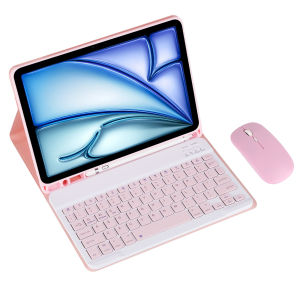
Keyboard Case & Mouse for Samsung Galaxy Tab A9 SM-X110/X115/X117 8.7inch Removable Wireless Keyboard Cover Built in S Pen Holde
How to connect Bluetooth: Step 1: Push the button to ON and the Power light will turn on Step 2: Press Fn+C for three seconds to activate Bluetooth After connecting for the first time, the next time you use it, the keyboard will automatically link when you turn it on.
Basic key combinations Switch to Apple system: FN+E Switch between Chinese and English input methods: FN+space Show physical keyboard: FN+Control Switch software: command+tab Switch between uppercase and lowercase: CapslOCK (if you cannot set up the IPAD first: Settings 1 + General + Keyboard + Physical Keyboard + Turn off the Caps Lock key to switch to the Latin keyboard) Note: If you need to use different countries (Korean, Japanese, etc.), please set up the system to add a keyboard (IPAC Set one universal one keyboard → add keyboard)
The handwriting pen and tablet in the photo are not included
Tablet and stylus pen in pictures are not included!!!

GlobalTechMart
Review

You May Also Like
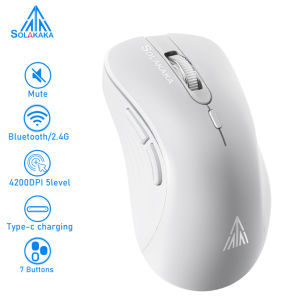
SOLAKAKA Wireless Mouse Noiseless Clicks Mouse 2.4GHz Bluetooth Rechargeable Mouse 4200dpi 7 Silent Buttons Optical Mice for Tablet/Laptop/Desktop PC(SM66)
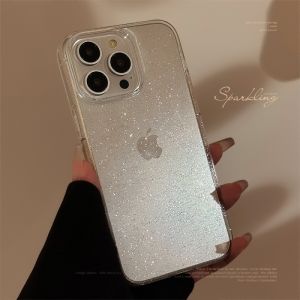
CrashStar Fine Glitter Soft TPU Transparent Shockproof Phone Case For iPhone 16 15 14 Pro Max Plus 13 12 11 Pro Max Fashion Bling Sparkle Clear Silicone Simple Phone Casing Cover Shell Hot Sale

imobile | Transparent Silica Gel Case for Xiaomi 17Max Shockproof Full Protection

YIMING | Magnetic Easy-Installation Outdoor Air Conditioner Cover
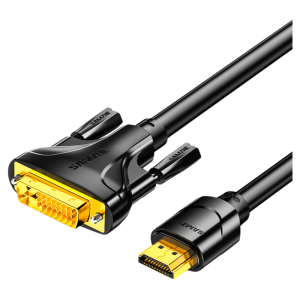
Samzhe | HD HDMI to DVI Adapter

Advanced Impact Protection Tempered Glass for iPhone 15 Pro 15Pro Max 14/13
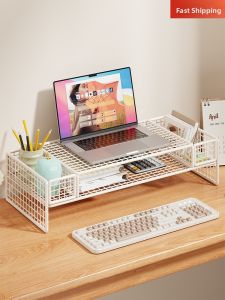
QINQI | Cooling and Elevating Laptop Stand

Silicone Strap for Xiaomi Mi Watch 2 Lite/Redmi Watch 2 Band Bracelet for Xiaomi Mi Watch 2 Lite/Redmi Watch 2 Wristband
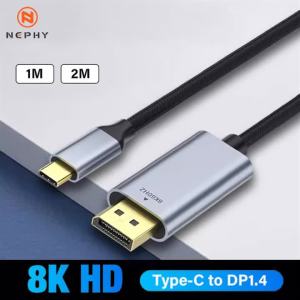
USB to HDMI Cable 4K USB Type C to HDMI Cord for iPhone 16/15 Pro/Air iMac iPad Pro Galaxy Surface Dell HP
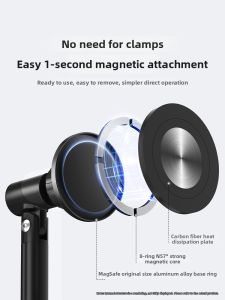
xiaotian | Magnetic Livestream Use Lazy Bracket Adjustable Height
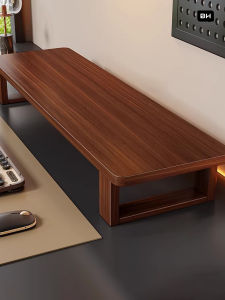
WUBUWEI | PC and Laptop Elevating Stand Monitor Support Shelf