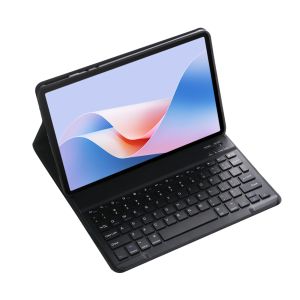
Tablet Keyboard for Lenovo Xiaoxin Pad Pro 2025 Keyboard Case 12.7 inch TB-373FU TB375FC for Xiaoxin Pad Pro 12.7 2025 Case Capa
How to connect Bluetooth:Step 1: Push the button to ON and the Power light will turn onStep 2: Press Fn+C for three seconds to activate BluetoothAfter connecting for the first time, the next time you use it, the keyboard will automatically link when you turn it on.Basic key combinationsSwitch to Apple system: FN+ESwitch between Chinese and English input methods: FN+spaceShow physical keyboard: FN+ControlSwitch software: command+tabSwitch between uppercase and lowercase: CapslOCK (if you cannot set up the IPAD first: Settings 1 + General + Keyboard + Physical Keyboard + Turn off the Caps Lock key to switch to the Latin keyboard) Note: If you need to use different countries (Korean, Japanese, etc.), please set up the system to add a keyboard (IPAC Set one universal one keyboard → add keyboard)
The handwriting pen and tablet in the photo are not included
Note:only for Xiaomi Redmi Pad SE 11 inches 2023
Tablet and stylus pen in pictures are not included!!!

GlobalTechMart
Review

You May Also Like

Ulanzi SK-25 Vacuum Suction MagMount Magnetic Phone Holder (S003)
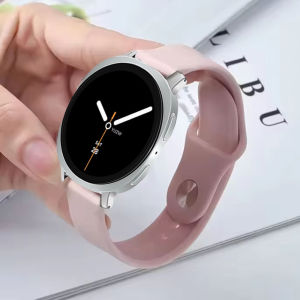
Strap For Samsung Galaxy Watch 8 Classic 46mm Accessories Silicone Sport Belt Correa Bracelet for Galaxy Watch 8 40mm 44mm Band
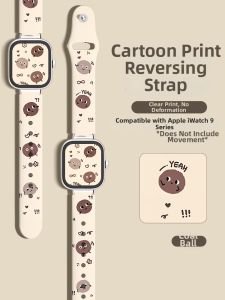
Uhada | Fashion Cute Coal Ball Pattern Silicone Apple Watch Band
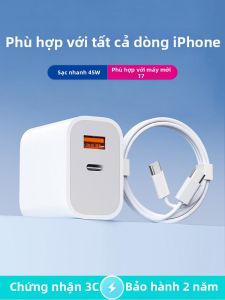
Super Fast Charging Charger and PD Fast Charging 45W
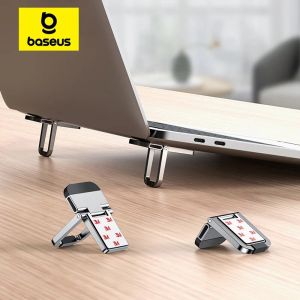
BASEUS | Baseus Foldable Laptop Stand Portable Notebook Support Base Holder Adjustable Riser Cooling Bracket Universal for Laptop Tablet
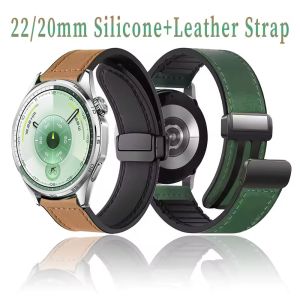
22mm 20mm Silicone+Leather Strap for Huawei Watch 5 4 GT6-5 Pro 46mm Magnetic Buckle Band for Huawei Watch GT5-4-3-2 Accessories
Bandai | One Piece Zoro Mouse Pads Notbook Gamer Large Keyboard Pad NonSlip Rubber Computer Carpet Desk Mat PC Gamer MousePad Youth Gifts

Magnetic 3-in-1 Foldable Wireless Charger Stand 15W Qi Wireless Fast Charger Wireless Charger for iPhone 15/14/13/Airpod Earbuds
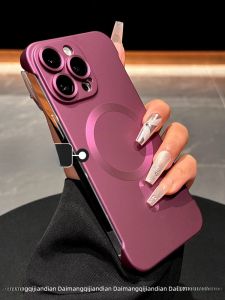
DAIMANG | Magnetic Shockproof Thin Full-Cover Case for iPhone 15 Pro Max 16 Plus 14 13 Pro 12 Pro ip11
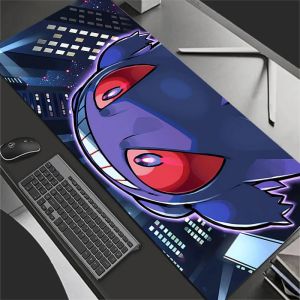
Bandai | 90x40cm XXL Rubber Large PC Mousepad Gamer Gaming Mouse Pad P-Pokemons G-Gengar Desk Keyboard Mat Computer Laptop Mat
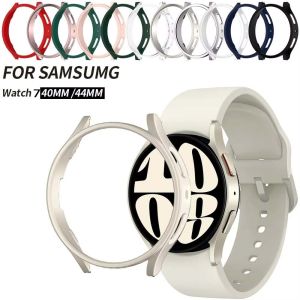
Galaxy Watch 7 40mm 44mm Cover for Samsung Galaxy Watch 7 40mm 44mm Protection Case Plastic Coverage Protector Bumper No Glass