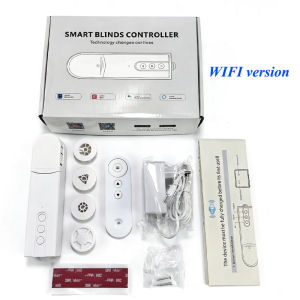
Wifi Automatic Electric Roller Shutter Zigbee Smart Blind Motor App Control Curtain Driver with Alexa & Google Assistant
Remote control matching method: Long press the pause button for 2-3 seconds, the blue indicator light will be on, Then press the up button on the remote control, and the blue indicator light will flash,The remote control has been successfully paired.NOTE:1.Before using the device for the first time, it needs to be fully charged;2.Press the "down button" for 1 seconds,the motor is turned on,then press the "down button" for 5 seconds, the blue indicator light flashes quickly, and it enters the network configuration state.3. Zigbee Version needs to work with a hub4.EU plug chargers are shipped by default. Please contact customer service promptly if you require other plug types.Important NotesNetwork Requirement: Only supports 2.4 GHz Wi-Fi networks (not compatible with 5GHz).

Prime Supply_Play Life
Review

You May Also Like

Photo Printing Custom DIY Frame 6inch
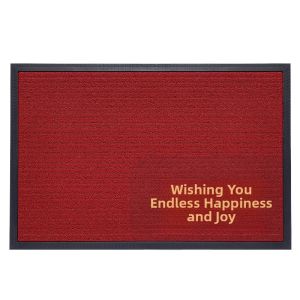
Dajiang (大江) | New Chinese Style Door Mat Red Rubber Back
![[SG]👻Halloween Pumpkin Candy Bag Portable Tote Bags Halloween Bag Costume Props Party Decor](https://img.lazcdn.com/g/ff/kf/S4dcfe5375046492b9f030d04e16a0af29.png_300x300q80.png)
[SG]👻Halloween Pumpkin Candy Bag Portable Tote Bags Halloween Bag Costume Props Party Decor

Vintage Full Length Standing Mirror for Fitting Room Hallway and Entrance

5/10/20Pcs Of Eucalyptus Leaf Stems Green Artificial Plants For Living Room Decoration Bride Wedding Vases Flowers Bouquet Decor
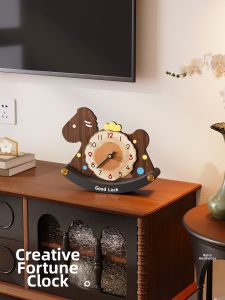
MEISD | Vintage Creative Horse-shaped Desk Clock

ETY | Graduation Decoration Schoolroom Board Photo Props
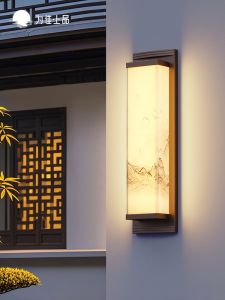
VINCAN | Solar Waterproof Outdoor Wall Light

BEAUTY IN THE LIGHT | Rose Tree LED Night Light for Bedroom

ZHUMUCHUANSHUO | Zen Style Decorative Chandelier
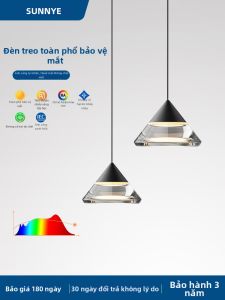
Sleek & Luxurious Adjustable Bedside Pendant Light