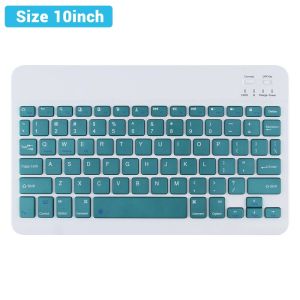
2026 New Slim Rechargeable Bluetooth Wireless Keyboard Mouse For iPad Xiaomi Samsung Android iOS Windows Tablet Spanish Keyboard
READ YYEAHThe newly launched Bluetooth wireless keyboard in 2025 has been completely upgraded, with enhanced battery life and improved functions, making it more convenient to use when working from home or on the go.And it also has high compatibility across a wide range, suitable for Bluetooth devices such as mobile phones, tablets, iPads, and computers.Product features:1.BROAD COMPAYIBILITY :Use with all four major operating systems supporting Bluetooth (iOS, Android, Mac OS and Windows) ,Compatible with iPads, iPhones and Bluetooth-enabled Tablets, Laptops, and Mobile Phones, such as iPad air , iPad mini, iPad Pro, iPhone Xs Max etc.(Devices without Bluetooth need to buy a Bluetooth receiver by themselves)2.ULTRA-SLIM,LIGHTWEIGHT & PORTABLE:This lightweight Bluetooth keyboard is designed for anyone who needs a portable capable keyboard for work or play and especially suitable for business travel.3.RECHARGEABLE AND AUTO SLEEP MODE:The universal wireless bluetooth keyboard uses built-in lithium battery, can be easily recharged through USB cable, no need to change the battery. The Built-in Rechargeable battery is incredibly long-lasting, standby time is about 6 months between charges. The bluetooth wireless keyboard can automatically enter into sleep mode in order to save energy.4.STABLE CONNECTION:Advanced Bluetooth technology provides a cable-free connection with an operating range of 10 meters. But for Desktop PC Laptop without bluetooth function, you need to insert a third-party bluetooth adapter (not included) to install bluetooth driver before use.5.COMFORTABLE and QUIET TYPING:The whisper-quiet, low-profile keys bring a whole new level of comfort to your fingertips. Besides, keep all your most-used functions and media controls closer than ever Windows-dedicated hot keys.How to connect?Bluetooth keyboard connection method:7''/10'' keyboard connection :1.Turn on the "on" button in the keyboard2.Press and hold the "connection" key on the keyboard for 2 seconds3. Turn on the Bluetooth device you need to connect to4.Find "Bluetooth keyboard" in "my device" and click "connected"Silent, Bluetooth Unlimited, iPad keyboard, for almost any device that can connect to Bluetooth for example, tablet, laptop, mobile phone, TV, desktop computer, iPad, Android, Samsung, IOS, Microsoft, etcPlease note:This product is available in different languages and with or without a mouse. Please carefully review the SKU images and names before placing your order.

Prime Supply_Play Life
Review

You May Also Like
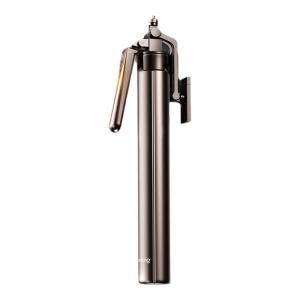
KUMENG | Portable Travel Tripod Selfie Stick with 360 Degree Rotating Mount and Bluetooth | A Great Pick for tripod stand holder Lovers
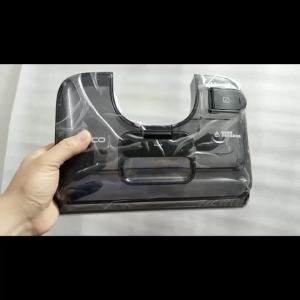
Clean Water Tank for Tineco Stretch S6 / I6 Stretch / I5 Stretch / S7 Stretch Ultra Vacuum Cleaner Parts Replacement
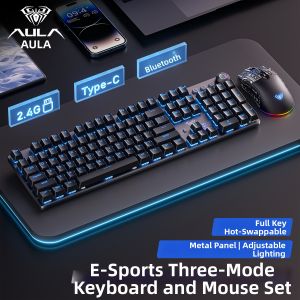
AULA | Wireless Tri-Mode Mechanical Keyboard for Gaming and Office
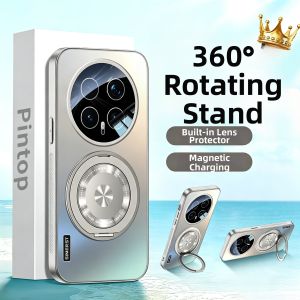
SIMERST | Magnetic Stand Case Full Protection Shockproof for HONOR Magic 8 7Pro 6Pro
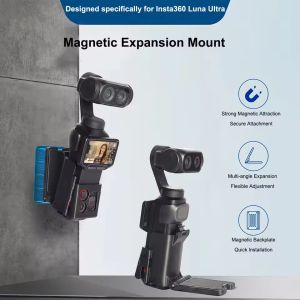
Magnetic Mount for Insta360 Luna Ultra Quick Release Adapter Frame Holder for Insta360 Luna Ultra Outdoor Travel Vlogging Accessories
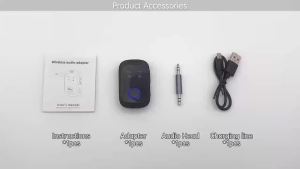
VAORLO | Dual Stream Multipoint Bluetooth 5.4 Audio Transmitter Receiver 3.5mm AUX HIFI Stereo Music Wireless Adapter With Mic For Car TV
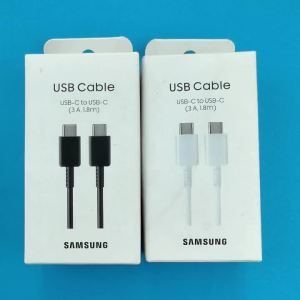
Samsung | Original SAMSUNG 45W PD USB C Cable 1/1.8M 3A For Galaxy S24 S25 Ultra Note 10 A54 Fold 7 6 25W Fast Charge USB Type C Data Cord
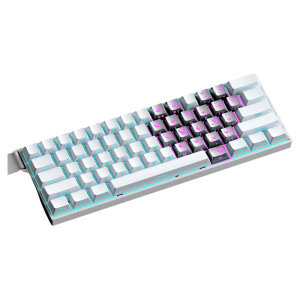
AULA | Gaming Mechanical Keyboard Wireless 3-Mode
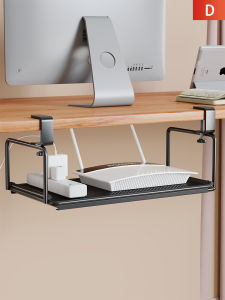
MENGBINFEN | Wire Hiding Adjustable Cable Organizer
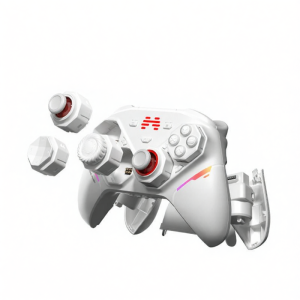
Modular Elite Game Controller
![[SG - Stock] Premium Crystal Clear iPhone Case - Anti Drop Shockproof](https://img.lazcdn.com/collect/social-img/674f61d19ebc4882bccf931f3fb1e4a6_3_1752078121.561963.jpg_300x300q80.jpg)
[SG - Stock] Premium Crystal Clear iPhone Case - Anti Drop Shockproof