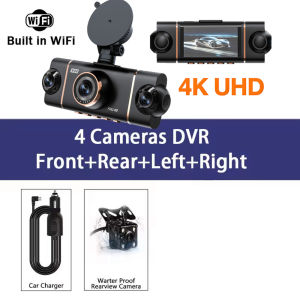
New 4CH Car DVR UHD 4K 1080P Car Dash Cam 360° WIFI APP Video Recorder Front With Rear View Night Vision 4K Black Box
↓↓↓↓↓Installation video ↓↓↓↓↓Memory card requirements: You must use a Class 10 or U3 high-speed TF memory card; please do not use memory cards with a capacity of 256GB or more.Power requirements: For the dashcam, please ensure you connect the power adapter included in the package to the car’s cigarette lighter socket.The standard package for this product does not include a memory card; please purchase one separately.new square lens four channels 4K/1080P cameras WIFI high-end recorderOur 4-channel dashcam, equipped with a 3-inch IPS screen, synchronises four lenses to record the front and rear dashcams, as well as the left and right sides of your vehicle, simultaneously in high definition. With a crisp 4K front camera and three adjustable 1080p lenses, it captures every critical detail, eliminating all blind spots for complete peace of mind on the road.Function:-------Wi-Fi and APP ControlWiFi function: point-to-point connection with mobile phone, and view video at any time.Comes with Wifi function, you can watch, playand download videos via free APP.In addition,you can easily share recorded videos with friendsand family.-------24-hour parking monitor-hardwire (optional): waiting 24 hours a day (to ensure that the car itself has electricity). When the car is started, it is recorded normally. After the car is turned off, if it is hit or vibrated, the machine will immediately wake up to record and keep the video as evidence. Don't worry about the situation that the car is turned off and you can't record the video.-------Superior Night VisionThe recorder offer the latest built-in highly sensitive night vision image sensor, which will automatically compensates for light/dark spots and balances exposure, makes all scene details are recorded vividly.-------Infrared functionEnhance the night vision function at night to make the night video clearer.Even in low-night conditions, it capture clear videos and photos in your driving or parking moment.-------WDR, Wide Dynamic Range, and super wide dynamic make the particularly bright and dark parts in the scene can be seen clearly at the same time. (Wide dynamic range is the ratio of the brightest brightness signal value that an image can distinguish to the darkest brightness signal value that can be distinguished. )-------170-degree wide angle, super-large lens angle, wider recording range, perfectly capturing every blind spot.-------Loop recording,is a video recording technology, which can constantly overwrite the old video during the recording process, thus achieving the effect of loop recording.-------G-sensor function, the machine will automatically save the video when the accident happens as an undeletable file.About WIFI Connection:Before connecting to the DVR on the phone, it is necessary to install the WIFI connection app "Viidure APP" in advance.You can search for "Viidure" installation in the Apple App Store or Google App Market.Steps:(1) In standby mode, long press the "M" key to enter the DVR menu and enter the WIFl setting menu;(2)In the wifi menu of the DVR, check to obtain the wifi SSID name and password;(3)Open the "Viidure" APP on your phone, enter the configuration mode, turn on the wifi function of the phone, follow the prompts to find the SSID wifi signal of the DVR and enter the password to connect;(4)After successful configuration, you can connect and operate the DVR through the "Viidure" APP.About Formatting The Memory Card:When installing a memory card for the first time, be sure to format the memory card on the DVR. After formatting, the DVR can correctly match the memory card.Formatting Steps: After installing the memory card, please enter the DVR menu, find the format option, and click to format the memory card.(Important: Formatting the memory card on the computer is an incorrect operation. Please be sure to format the memory card on the DVR's menu option.)About The Reversing Assist Function:If the kit you ordered includes a rearview camera and you need to implement the reversing assist function, you need to connect the red signal wire of the rearview camera to the car's reversing light (the light will come on when reversing). If you don't need the reverse assist function, just disconnect the red signal wire and leave it unconnected.About 24-Hour Parking Monitoring:If you need the 24 hour parking monitoring function, you can order the corresponding Buck Line accessories to replace the car charger.Through Buck Line, the DVR power can be obtained directly from the car battery or car ACC, so that the DVR can maintain normal recording work even when the car is turned off.(Since different car models have different battery interfaces or ACC interfaces, it is not recommended to install it by yourself. It is recommended to find a professional to install the Buck Line.)4 Channels Front & Rear & Inside CameraWhen all four lenses are turned on simultaneously, the image quality will be compressed to 1080P*4Super Night VisionBuilt-in Wi-Fi & APP ControlBUILT-IN WIFIFUNCTION : Smart dash cam built-in WiFi module, support APP control (Work with Android and iOS devices)Reverse imageWhen hanging in the "R" gear, the screen will automatically switch Reverse image, and the accurate inverted auxiliary line provides you with better parking prediction.24-Hour Parking MonitoringBuilt-in G-sensor activates automatic recording when a sudden shake or collision is detected. When emergency video is recorded, a voice will alert you when you return to the car. In addition,supports time-lapse recording, which maximizes storage usage and ensures that no moments of evidence are missed.Friendly reminder: parking monitoring needs to be configured with a special buck cable for use, otherwise 24-hour monitoring is not possibleBuilt-in G-sensorWhen your car is subjected to an impact or other emergency,the G sensor is triggered, so that the recorder immediately records and locks the video.Loop- Cycle RecordingWhen the TF card is full,it will automatically delete former video and keep recording all the timeInstallation Diagram1.Secure the recorder to the windshield of the vehicle , recommended near the rearview mirror area2.Hide the power cord in the window gap along the red line in the figure above 3.Insert the car charge wire into the cigarette lighter, connect the power supply, and complete the installation3.Rear camera if you need reverse camera function please connect the red wire, the red wire connects to the power supply of the reverse light behind the car.4.All car recorders need to be connected to the power supply to use, please understand the small battery safety design of the recorder. The battery of electrical appliances in the car is not allowed to be installed too large.To protect your privacy, the TF card needs to be formatted for the first time. There are two solutions:1. Insert the TF card correctly into the dash cam, open the camera settings, find the storage card format, confirm that the formatting is complete, and then restart the camera to use.2.Connect to the mobile application, search for settings in the mobile application, format the memory card, confirm formatting is complete, and then restart the camera to use it. Sincere wishes to you and your family.

Prime Supply_Play Life
Review

You May Also Like
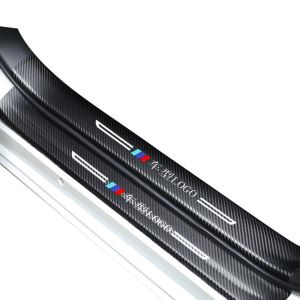
HANNENGDA | Protective Door Sill Protector for BYD Han
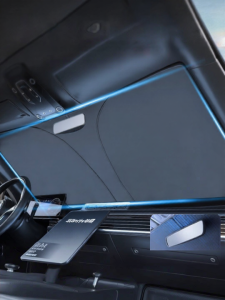
BSHTIR | Sun Protection and Heat Insulation Front Windshield Shade
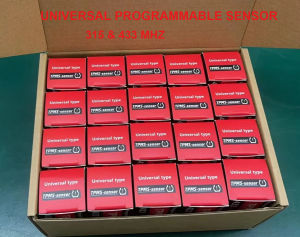
TPMS Sensors MX Tire Sensor 2 in 1 Metal Rubber Stem Programmable Screw-in Tire Pressure Monitoring Sensor TS408 TS600 TS508
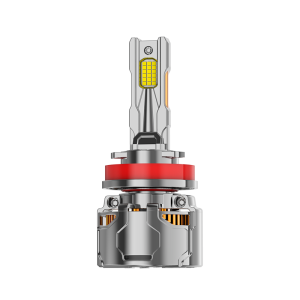
UNJOYLIOD | Auto LED Laser Headlights For Honda Cars H7H11 Adaptable
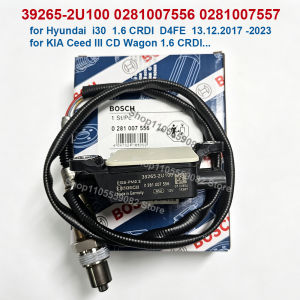
Bosch | 39265-2U100 0281007556 39265 2U100 392652U100 PM Particulate Matter Sensor For Kia Ceed III CD Wagon Hyundai I30 PD 1.6 CRDi
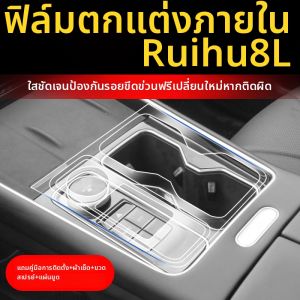
Screen Protective Film Car Interior Accessory

CHIZHIDU | Decorative Storage Car Tissue Box
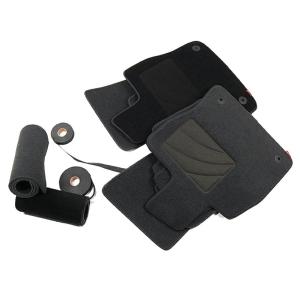
Car Model Specific Foot Mat
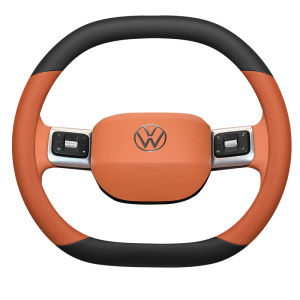
JIBEIDUN | Thin Non-slip Sweat-resistant Odorless Steering Wheel Cover
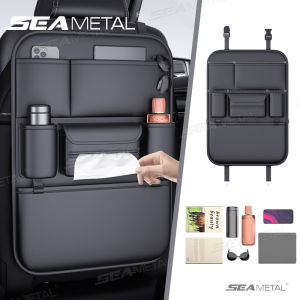
SEAMETAL Car Seat Back Storage Bag PU Leather Auto Organizer Drink Pockets Anti Kids Kick Pads Auto Seat Storage Bag Accessories
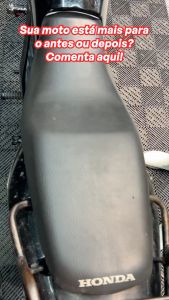
Razux Kourum 240ml (Anti-slip leather revitalizer) (Motorcycle Care)