


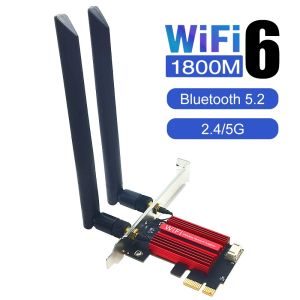
Kebidumei | KEBIDUMEI AX1800 PCI-E WiFi 6 Wireless Adapter Network Card Adapter PC Bluetooth 5.2 802. 11AX Dual Band 2.4G/5Ghz For Win11 10
Open PC case: Unscrew chassis screws and remove side cover plateRemove chassis baffle: Take off the metal baffle matching your target PCI-E slotInsert adapter into PCI-E slot: Compatible with PCI-E X1/X4/X8/X16 slot, traditional PCI slot is unavailableConnect Bluetooth cable to the network card via 4pin portPlug the other end of Bluetooth cable into motherboard internal 9pin USB headerSecure the card onto chassis with fixing screwScrew external antennas onto the adapter, installation finishedStep-by-step Installation GuideReplace old onboard network adapter with this AX1800 WiFi6 card to solve daily network troubles:✔ Slow video buffering while watching movies✔ Low speed when transferring office large files✔ Slow loading & webpage timeout when browsing websitesFix Common Slow Network Issues

Prime Supply_Play Life
Review

You May Also Like
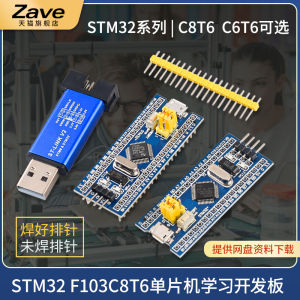
ZAVE | STM32 Development Core Board
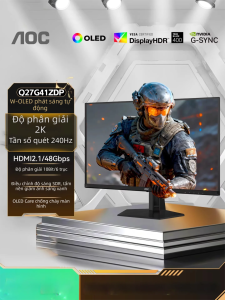
AOC | 2K 240Hz Refresh Rate OLED Gaming Screen 27 Inches

ASUS ROG Zephyrus G14 2025 AI 9 HX370 RTX5080/RTX5070Ti/RTX5070 14" 2.5K 240Hz ROG Zephyrus G14 Air Gaming Laptop
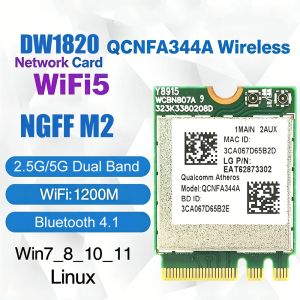
Kebidumei | KEBIDUMEI Dual Band Wireless Network Card 9560NGW AC Cnvio 1733M BT 5.0 QCNFA344A Wifi Card 1200M+Bluetooth 4.1 802.11AC For PC
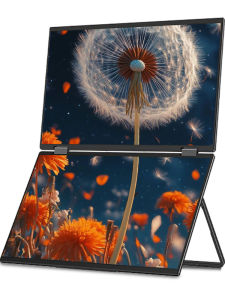
LANLIPU | Portable Foldable Dual Screen External Monitor
【3 years warranty)】2026 New i7 Laptop Gaming PC Intel Core i7 7500U 12GB RAM 512GB 1TB 2TB SSD Computer Home Study Laptop 14.1 Windows 11 Pro Slim Office
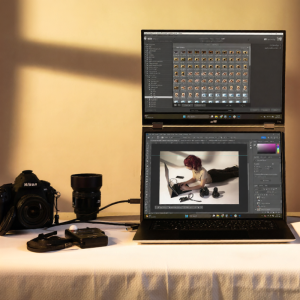
DUEX | Portable Touch Secondary Screen 15.6 Inch
Domestix Portable Dual Screen 15.6”inch IPS Screen Monitor Support:Mirror Split Portrait Extended Mode
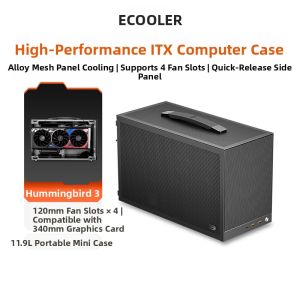
Pccooler | Portable ITX Mini PC Case
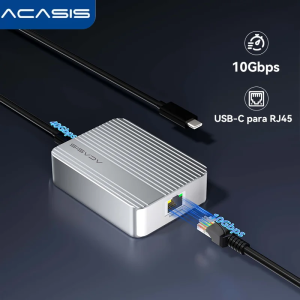
Acasis 10Gbps USB-C Ethernet Adapter for USB4 | MacBook/Mac Studio/PC/Lactop | 10000Mbps RJ45 LAN Card
![[NEW]NVIDIA RTX 6000 Ada SERVER Generation Professional Graphics Card](https://img.lazcdn.com/g/ff/kf/Sf80430330d604c2ebcbb6c24d23733b5g.png_300x300q80.png)
[NEW]NVIDIA RTX 6000 Ada SERVER Generation Professional Graphics Card











