Triple Lens Car DVR 2/3 Channel Dash Cam for Cars WIFI APP HD 1080P Video Recorder 3CH Car DVR Black Box car electronics
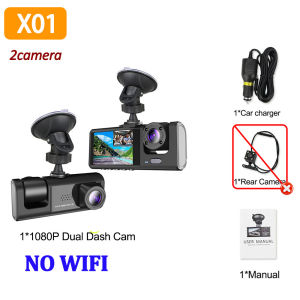
Warm tips:Warm Tip:This link offers two model options:⭐ Model X01: NO WIFI Internal lens rotates only within a small range. Available in 2-lens and 3-lens configurations. The 2-lens option does not include a rear camera.⭐ Popular Model X170: With WIFI,Features a wide internal lens rotation range and includes a rear camera in the package.1080P WIFI 2/3LENS Dash CamDash Cam for Cars 1080P Car Dvr 3Lens Front Inside Camera WIFI Recorder Video Camera for Vehicle Car Accsesories Black Box3CHANNEL RECORDINGOnly Front Camera: 1080PFront + Rear Camera:1080P+1080P;Front & Inside Camera:1080P+720P;Front & Inside & Rear Camera:1080P+720P+720PWarm tips: 3 cameras recording at the same time are 720PMobile App Connection(Optional)With the built-in Wi-Fi, you can view and download the recorded videos to your phone via the application.How to Link WIFIYou need to press the M menu button for 5-10 seconds and then it will show the WIFI module, the WIFI QR code is also in the menu bar, and you can eventually link your phone to view the video.Powerful night vision shooting1080P full-HD spherical glass lenses F2.0 apertureReversing Camera Function(Optional)When hanging in the "R" gear, the screen will automatically switch Reverse image, and the accurate inverted auxiliary line provides you with better parking prediction.24H parking monitoring.Start the intelligent parking detection mode after the engine is off, support the three recording lens motion detection, abnormal collision automatic recording, one second one frame time lapse recording.(Friendly reminder: parking monitoring needs to be configured with a special buck cable for use, otherwise 24-hour monitoring is not possible)Built-in G-SensorBuilt-in 3Axis G-Sensor,dash cam automatically detects a sudden collision and lock the footage to ensure important footage is kept Protection.Loop- Cycle RecordingWhen the TF card is full,it will automatically delete former video and keep recording all the timeInstallation ImageA:Rear cameraB:Car recorderC:You need to link the red wire of the rear camera to the positive pole of the reversing light in order to realize the reversing image(Installation Note: Do not connect the cell phone data line for charging, the voltage does not meet the car electrical appliances, the wrong power supply can not be used properly.)To protect your privacy, the TF card needs to be formatted for the first time. There are two solutions:1. Insert the TF card correctly into the dash cam, open the camera settings, find the storage card format, confirm that the formatting is complete, and then restart the camera to use.2.Connect to the mobile application, search for settings in the mobile application, format the memory card, confirm formatting is complete, and then restart the camera to use it. Sincere wishes to you and your family.

GlobalTechMart
Review

You May Also Like
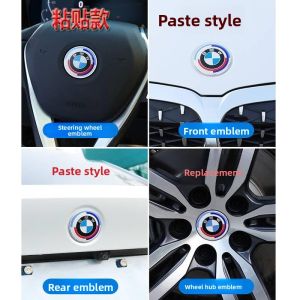
BONINGYU | 50th Anniversary Car Badge Cover For BMW Series 1 2 3 4 5 X1 X2 X3 X4 X5 X6
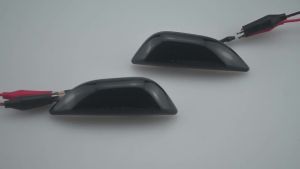
2PCS For Opel Mokka X 2012-2016 For Chevrolet Trax 2013-2019 LED Dynamic Amber Side Marker Turn Signal Light Fender Marker Lamp

Grandnavi | 5 inch Motorcycle GPS Navigation Wireless Carplay Android Auto Magnetic Quick Release Bracket Portable Bluetooth Moto Motorbike
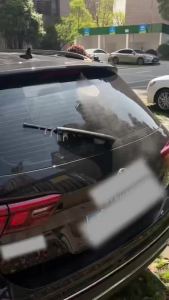
1/2PCS Rear Windscreen Wiper Blade Wiper Arm Kit For Ford Kuga 2012-2017 Windscreen Windshield Wipers Brushes
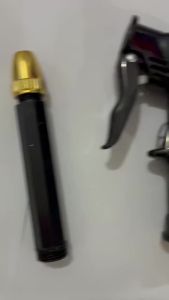
8MM Car Truck Tire Air Pump Chuck Tyre Valve Air Compressor Inflatable Pump Valve Clip Clamp Connector Nozzle Deflate Tool
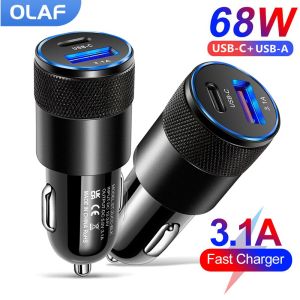
Olaf 68W PD Car Charger USB Type C Fast Charging Car Phone Adapter for iPhone 13 12 Xiaomi Huawei Samsung S21 Quick Charge 3.0
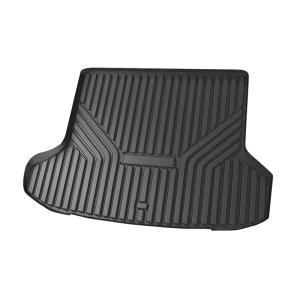
CO | Waterproof Dustproof Durable Car Trunk Mat
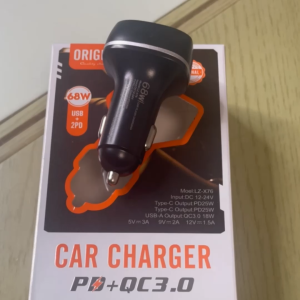
Aigoo 68W USB Car Charger Quick Charge 3.0 USB PD For Xiaomi iPhone 12 13 14 Pro Fast Charging Car Phone Charger
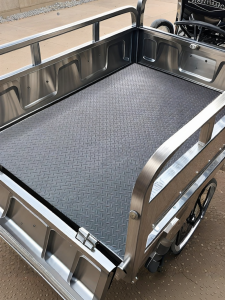
JINNING | Waterproof Anti-slip Wear-resistant Rubber Trunk Mat

Car Fan USB Small Desk Fan Portable LED Camping Light with Clip Fan Strong Airflow 360 Rotate Speeds Night Light for Car Outdoor
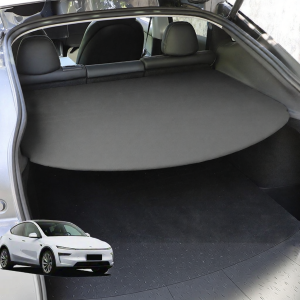
MLZH | For New Tesla Model Y Trunk Privacy Cargo Cover