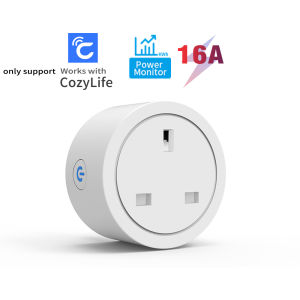
WiFi Smart Socket 16A UK Plug With Energy Monitoring Support CozyLife App Works With Alexa Google Home Voice Control
WiFi Smart UK Standard Socket Adaptor✅✅1.Input voltage: 100-240V 50/60HZ2.Maximum current: 16A3.Specifications: UK Plug4.Wifi type: 2.4GHZ 802.11b/g/n5.SIZE: 595962mm✅Features1.App Control: Only support CozyLife APP2.Voice Control: Google Home / Alexa ECHO IFTTT Voice Control for AI Speakers3. Timing Function4. Countdown feature5. Sharing Function6. With Energy Monitoring function✅Your Home. One App.Support "CozyLife" APPThe CozyLife app works with lots of smart home devices, allowing for easy control of your home from any Android or iOS device.✅Voice ControlThe smart plug works with Alexa, Google Assistant supported devices for easy voice control.✅No Hub RequiredThe smart plug works with any secured 2.4 GHz wireless network without the need for a separate hub.✅Countdown functionYou can set a countdown for humidifiers, microwaves, coffee machines and more. The device will stop automatically. Don't worry about the device working all the time✅Timing FunctionSet the time to turn on the light.Set time to cook rice..✅The Statistics of ElectricityThe amount of electric power can be monitored in real-time, which is conducive to control the usage of electricity.✅Power-off Memory Function✅Family Sharing Control Funmain account has the exclusive permissions,one click to share the permissions with the whole family.let the family enjoy the fun of life!✅HOW TO USE IT?How to add device to mobile app1.Scan the QR of the manual or Search ‘ CozyLife ’ to download and install the device's APP2.After the wiring is completed, turn on the power and operate according to the status of the smart switch indicator:3.If the Blue light of the smart socket flashes continuously at this time, it indicates that the smart socket has entered the state of waiting for connection to WiFi; then open the APP and follow the instructions to connect to WiFi.4. If the indicator light of the smart socket is not flashing Blue light, please press the button of the smart socket and keep it for more than 5 seconds until the Blue light flashes continuously, then open the APP and connect to the WiFi according.

GlobalTechMart
Review

You May Also Like
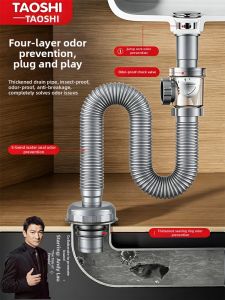
TAOSHI | Odor-Preventing Drain Pipe Soft Tube Set
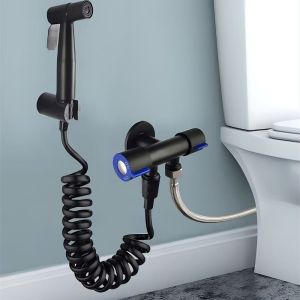
DAN LE High Pressure Handheld Bidet Sprayer Adjustable Flexible Hose Toilet Sprayer Heads Premium No Wand Holder Women Washer Sprinklers Toilet

INNDUN | Brass Walnut Drawer Pulls
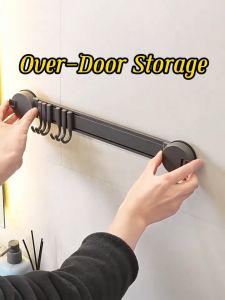
[SG Stock[ Vacuum Suction Hook No Drilling Suction Door Hanger Hook /Suction Cup Hanger Hooks Rack Bathroom Clothes
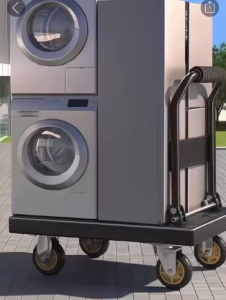
Foldable Trolley Heavy Duty Trolley Cart Portable Shopping Cart Folding Platform Trolley With Wheel Max Load 550KG
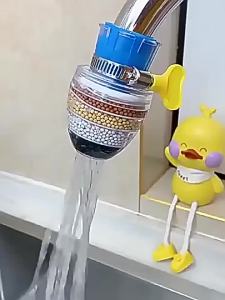
6 Layers Faucet Water Filter Tap Purifier 360° Rotatable Coconut Charcoal Nozzle for Faucet Kitchen Household Water Filter
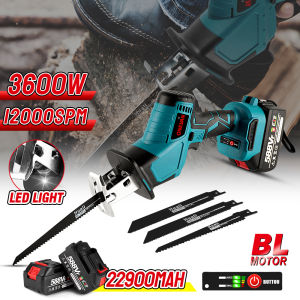
ONEVAN 12000 SPM Brushless Reciprocating Saw Cordless Jig Saw Variable Speed Saber Saw For Tree WoodMetal PVC Frozen Food Ice or Bone Cutting Electric Tool

3:1 Thickened Dual Wall Industrial Heat Shrink Tubing Adhesive Lined Sleeve for Automotive Electrical Wires Marine Waterproof
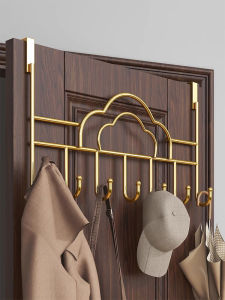
WUBUWEI | Sleek No-drilling Multiple Hooks Metal Hanger
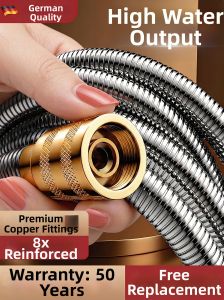
TAOSHI | High Pressure Shower Hose
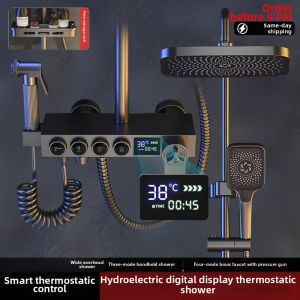
Constant Temperature Shower Set