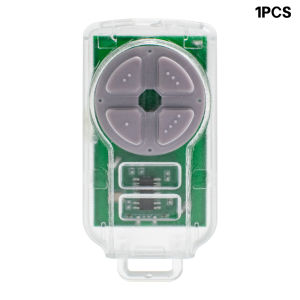
ATA PTX5 Garage Door Gate Remote Control 433.92MHz PTX-5 TrioCode GDO PTX5V1 PTX5V2 GDO Keyfob Transmitter
ATA PTX5 PTX-5v1 PTX-5v2 Garage Door Remote Control 433.92MHzDescription1. Type of programming: Programming with the receiver.2. Frequency: 433.92 MHz3. Code: Rolling Code4. Buttons: 4 Buttons5. Battery: Include BatterySuits remote models: PTX5 PTX-5Compatibility:---Roller Door MotorsGDO6v3 EasyRollerGDO6v4 EasyRollerGDO8v3 ShedmasterGDO10v1 ToroGDO10v2 ToroGDO10v3 ToroGDO12 HiroAnd all other compatible TrioCode receivers and motors---Sectional Door MotorsDCB-05 (Dual Gate Controller)GDO7v2(SecuraLift)GDO7v3(SecuraLift)GDO9v2(SecuraLift)GDO-9v3 (Dynamo)GDO9v3(Dominator)GDO-10v1 (Toro)GDO11v1(Ero)Tempo ATS-2And all other compatible TrioCode receivers and motor---Gate MotorsSGO-1 (Elite)SGO1v3 EliteSGO1v4 EliteNES24v1 NeoSliderNES24v2 NeoSliderNES24v3 NeoSliderNES500 NeosliderNES800 NeoSliderAnd all other compatible TrioCode receivers and motor---Industrial OpenersAxess Pro Series 3100 (Logic Console Only)Axess Pro Series 3300 (Logic Console Only)Axess Pro 1505 OverheadAxess Pro 600 SliderAxess Pro 800 SliderAxess Pro 200 SwingAxess Pro 400 Swing---ReceiversFHCRX1 Single Channel ReceiverFHCRX1v2 Single Channel ReceiverFHCRX2 Dual Channel ReceiverFHCRX2v2 Dual Channel ReceiverFHRX2 Plug-In Board ReceiverAccess to receiver required. Please make sure you got access to your receiver/opener before purchase.Disclaimer: Your remote control must be the same as the picture and your model must be in the list, we will not be responsible for wrong purchaseThe product that you will receive is the item that is being pointed to by the arrows which is an aftermarket compatible remote.No original goods, but 100% perfect fit! All brand names, trademarks and registered trademarks are the property of their legal owners and are used here only for the description or identification of the devices.Include* Remote Control* Battery* Keychain* English ManualHow to program ?1. Press and hold the (DOOR-CODE) learn button.2. Press and hold one of the four buttons on the remote control (hold for 2 seconds), then release the remote control button (2 seconds), then press the same button again (2 seconds). The (DOOR-CODE) learning button must be pressed all the time during the operation.3. Release the learn button and remote control button.4. Press the remote control button to test.

Prime Supply_Play Life
Review

You May Also Like
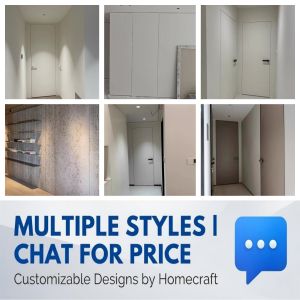
Invisible Door Seamless Flush Wall Design Concealed Hidden Door Customize Size Color BTO Condo HDB Minimalist Interior

Maryya | Waterproof Toilet Seat Covers for Maternity
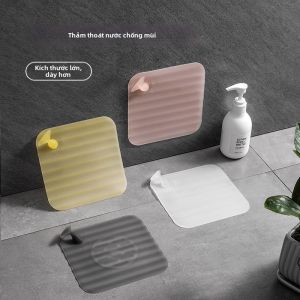
LUTUMEI | Anti-Insect Odor Removal Seal Floor Drain Cover
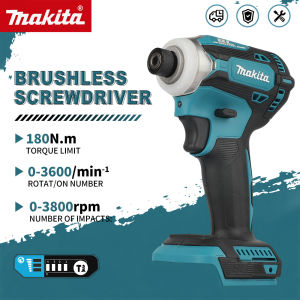
Makita | Makita DTD171 Versatile Impact Driver for DIY and Professional Use Furniture Decking Automotive and Construction tools
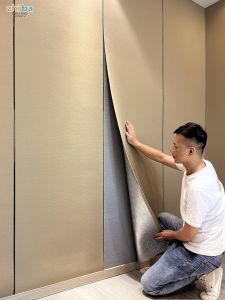
ZHIBA | Moisture-Proof Decorative Wallpaper For Living Room And Bedroom

Makita | Makita DDF487 Slim 18V LXT Brushless Drill Driver Portable Tool For Cabinet Assembly Household Hardware Maintenance
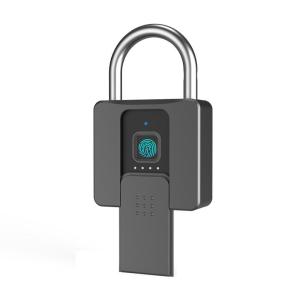
eLinkSmart | Fingerprint Password Electronic Lock for Home Outdoor Security
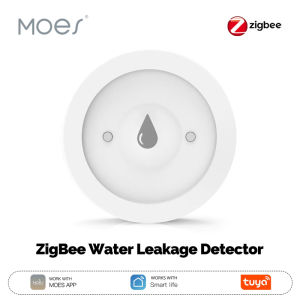
MOES | MOES Tuya ZigBee Water Leakage Detector Smart Water Flood Alarm Immersion Sensor IP66 Work With Smart Life App Remote Monitoring
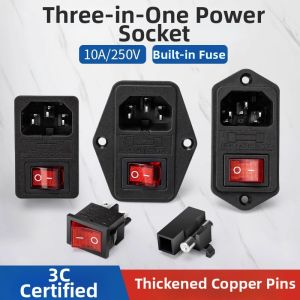
kuicc | Three-in-One Vertical Socket Outlet With Card Slot Screws Ear Fuse
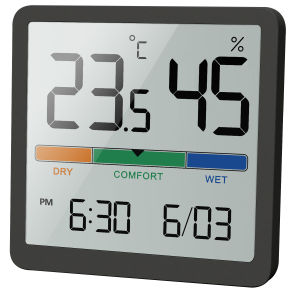
NOKLEAD Indoor Temperature Humidity Meter Home LCD Digital Thermometer Hygrometer Sensor Gauge Weather Station Smart Monitor
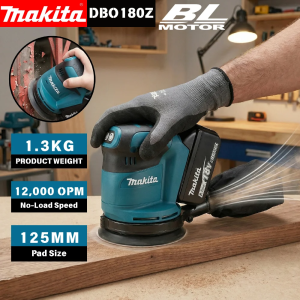
Makita | Makita DBO180Z Bare 18V Brushless 125mm Random Orbital Sander 3 Speed For Drywall Putty Home DIY Polishing