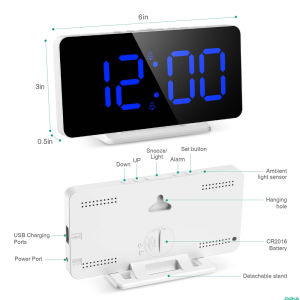
ORIA Digital Alarm Clock Large Digit Wall Clock Removable Stand with 12/24H Format Adjustable Brightness Snooze Function
Hi, for any questions on usage, please feel free to contact us by Chat and we will be happy to help you. Thanks. LED display time selection: There are two options for the LED display time, always display and power saving display. Press the “-“ key to select. Once selected, please wait for 10 seconds, then selection will be confirmed. When the display is --Sd, the LED time is always displayed on screen. When the oNSd is displayed, the LED display will auto turn off after operating the product. In this mode, press any key to check time and the LED will display for 15 seconds.ORIA LED alarm clock has 3 Display modes to select:DP-1, DP-2, DP-3. When time is displayed, single press "+" button to choose preferred mode, then wait for about 10 seconds and it will auto confirm. Important: if you want to change display mode, you must set the clock to display time first. (1)DP1 mode: time is displayed for 10 seconds, date is displayed for 2 seconds, temperature is displayed for 2 seconds, and the cycle is continuously switched.(2)DP2 mode: Always display the time without switching. You can press the clock sign button on the left to make it display date or temperature.(3)DP3 mode: Always display the time. You can press the clock sign button on the left to check date or temperature. After 15 seconds without operations, it will be auto converted to the time display again. Package includes: 1 x digital alarm clock1 x English user manual

Hdsvfrghnv
Review

You May Also Like
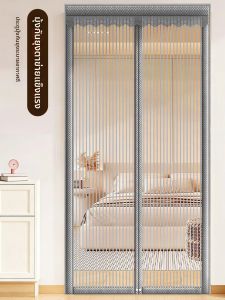
LUOYOUTE | Anti-mosquito Magnetic Magic Tape Door Curtain
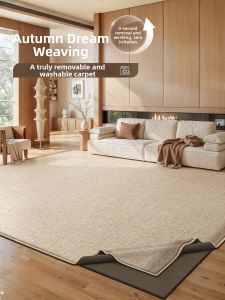
ZHUOYI | Washable Machine Washable Easy-to-clean Soundproof Carpet
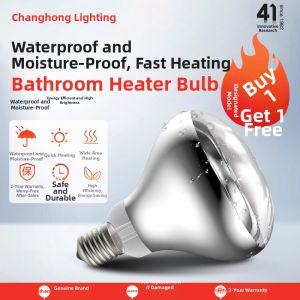
Changhong | Heating and Lighting Bathroom Heater 275w
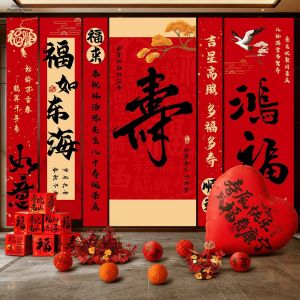
CHUNCAN | Birthday Party Decoration Backdrop
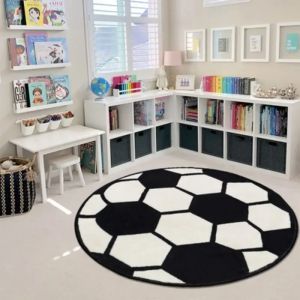
Imitation Cashmere Round Floor Mat Football Small Carpet Baby Room Bedroom Living Room Bathroom Carpet Children Crawling Mat

Aromatherapy candle electric candle warm lamp diffuser mini small Korean style aromatherapy atmosphere light
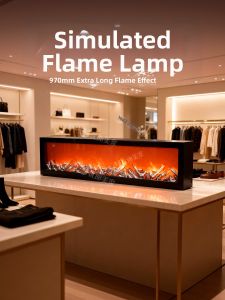
YOULIMEIJIA | Flame Imitation Mood Light Minimalist Tabletop Decor
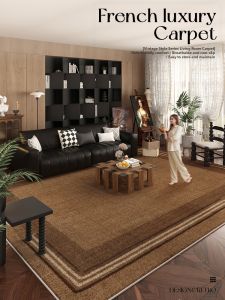
Retro Brown Fluffy Carpet Easy-Care
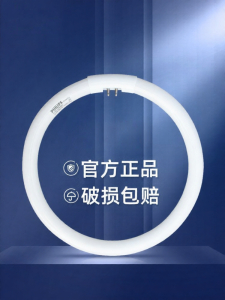
Philips | Tri-color Circular Light Source Ceiling Lamp
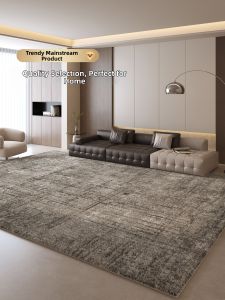
XIANGSU | Luxury Waterproof Easy-to-Clean Carpet
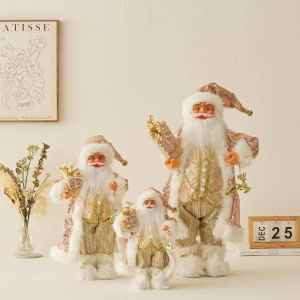
Rose Gold Standing Santa Claus Toy Christmas Decor