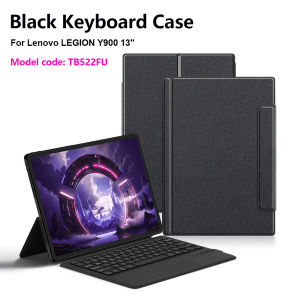
AJIUYU | Keyboard Case With TrackPad For Lenovo Legion Y900 13 Tablet Case For LEGION Y900 2026 TB522FU 13 Inch Wireless Keyboard Stand
【The main video is for reference only.】This is an "all-in-one" keyboard case, TPU soft shell protective case, which can effectively protect your tablet. The keyboard and protective case cannot be separated .A keyboard and protective case in oneOne product ,dual uses,when unfolded , it is a Tablet Keyboard,and when closed,it is a protective Case,enabling it to meet the needs of more scenariosHow To Verify Your Tablet Model1.Turn Lenovo tablet to the back find your specific model,Par exemple: ****2.Find the "Settings"--Click the "About"--Find the "Model"3.Please select the correct model number for your tablet purchase after viewing it.Compatible Model:For Lenovo LEGION Y900 13-inch 2026 Tablet (Model code:TB522FU).Please confirm your machine model before purchasing~Note: Tablet and stylus are not included in the packaging!!Attention PleaseEnglish versionkeyboard : There are English letters on the keyboard only.Multi-language versionkeyboard : English letters and carved language letters together .【For example, if you choose Portuguese , there will be English and Portuguese letters on the keyboard. You only need to switch to the Portuguese input method to use it normally. Note that the same letters will not be engraved repeatedly】(Due to the difference in the number of keyboard keys compared to a normal office keyboard, some special character engraving positions are the same, which is a normal phenomenon)(The keyboard Core defaults to English, and the characters engraved on the keyboard are only a Surface display.so in some countries, even if the input method is switched, the special symbols do not necessarily match the keyboard function layout.(You can hold down the Shift or AI combination)If you mind, please do not purchase)(Due to the material of the keyboard, the engraved characters are dark gray)【1】Bluetooth connection method: Turn on the keyboard switch, then press and hold Fn+C for about 2-3 seconds to start Bluetooth. The indicator light turns blue, and then turn on your tablet Bluetooth. Search for "Wireless Keyboard" and click connect to pair. After receiving the keyboard, fully charge it (about 4 hours).【2】Switch language: Open Settings - Language and Input Method - Physical Keyboard - Add Language Layout..【3】Input method switching: control+spacebar.(Choose the language you need)【4】For detailed instructions, please read the user manual. If you have any questions, you can contact "Online Services" for consultation .The resolution of the machine is different, and there may be color differences in the images, which is a normal phenomenon. The actual product received shall prevailThe back bracket needs to be manually opened~~

Prime Supply_Play Life
Review

You May Also Like
3Pcs Screen Protector For iPhone 17 18 16e 15 Plus 14 13 Mini 11 12 Pro Max Air HD Glass For iPhone XS Max X XR 7 8 6s Plus SE
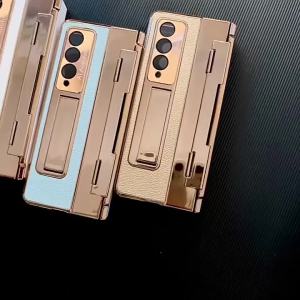
szhaiyu | Case For Samsung Galaxy Z Fold 8 Ultra Fold 8 7 6 5 4 Flat Hinged Plain Leather With Hinge Full Shockproof Mobile Phone Cover
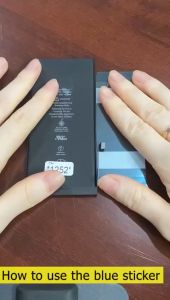
BM4R Battery For Xiaomi Mi 10 Lite 5G Battery Replacement Xiaomi Mi10Lite Battery 4160mAh
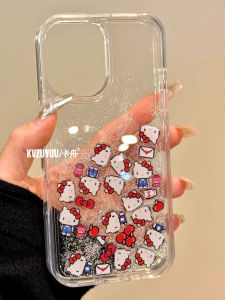
LIANGWU | Bow Sliding Glitter Cute Popular Female Phone Case
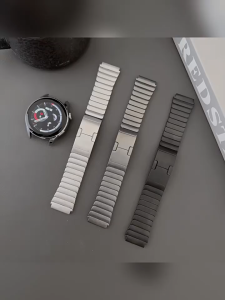
Stainless Steel Strap for Realme Watch 5 Smart Watch Band Realme Watch 3 3 Pro Metal Replacement Bracelet
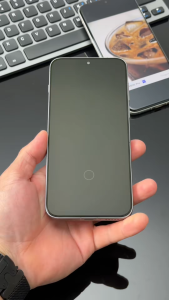
Brother Huang Vivo X300 Pro Screen Protector AR Anti-Glare Full Coverage Ultrasonic Fingerprint Fast Unlock 9H Shockproof VIVO X300 Tempered Glass film
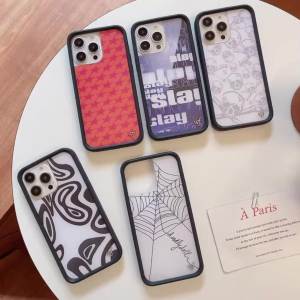
Wildflower 3D web English Skull Head Phone Case for iPhone 16 15 14 13 12 17 Pro Max Plus Air 16pro STAR WF Cute Cartoon Cover
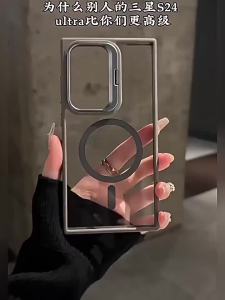
Luxury Magnetic Case for Samsung Galaxy S26 Ultra S25 Plus S24 S23 FE with Camera Bracket Stand Clear Back Protective Cover
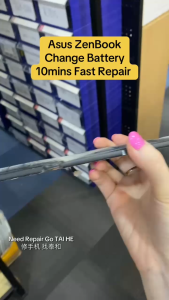
B31N1625 Laptop Battery For Asus VivoBook Flip 12 TP203MAH TP203NAH Notebook Bateria 11.4V 48WH
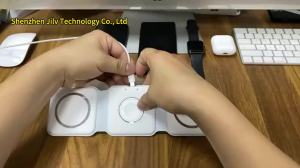
15W 3 in 1 Quick Multi-function Foldable Chargers Safe Magnetic Wireless Charger Portable Charger for iPhone IWatch AirPods
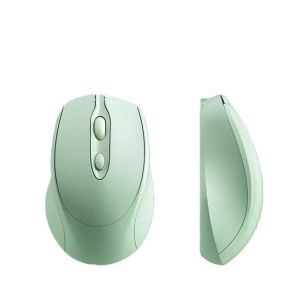
WOMINGTE | Wireless Multi-Use Gaming Mouse Bluetooth