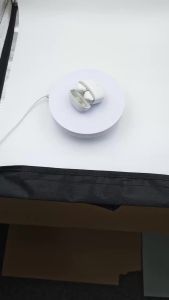
RUIYAN | In-ear Bluetooth Headset LED Smart Digital Display Touch Long Battery Life Sports Earphones HD Call 0 Delay TWS Wireless Earplug
True Wireless Earbuds Bluetooth Noise-Canceling Hi-Fi High-Quality Sound Low-Latency Gaming Earbuds HD Calling Music Touch Control EarbudsKey Features:Hi-Fi Sound Quality: 13mm diaphragm driver delivers high-resolution audio with detailed sound reproductionComfortable Fit: Just 3g per earpiece + semi-in-ear design ensures lightweight comfort even during extended wearLong Battery Life: 40 hours of endurance for daily use without frequent chargingStable & Fast Connection: Bluetooth V5.4 ensures stable transmission and rapid responseGamer-Friendly: 0.06s ultra-low latency for seamless audio-visual synchronizationMax Compatibility: Works with all Bluetooth-enabled devicesStylish & Functional: Fashionable design that looks great and performs wellFeature1 Wireless HeadphonesFeature2 True WirelessFeature3 TWS WirelessFeature4 Bluetooth HeadsetFeature5 Wireless Bluetooth EarplugFeature6 Fone De Ouvido BluetoothFeature7 Auriculares BluetoothFeature8 Game HeadsetFeature9 Call EarbudFeature10 Touch ControlFeature11 HIFI StereoFeature12 With MicrophoneFeature13 Stereo BassFeature14 HD EarbudsFeature15 In-Ear TypeFeature16 Long Battery LifeNote: 1. Please charge the headset as soon as you receive the parcel (the headset may run out of residual electricity during transportation, which may cause the headset to fail to turn on normally)! ! ! ! Charge for at least 5 minutes (you can't use the fast charging charger, which will easily lead to the earphone burning out! ! ! ! ) 2. How to use the headset correctly: turn it on (you can turn it on or off by pressing the function key for a long time) → take out the headset → wait for the headset to automatically pair (the indicator light flashes alternately for 5-8 seconds) → complete the pairing → turn on the Bluetooth of the mobile phone to search for the headset name → Earclip headset and ear-hanging headset name OWS, in-ear headset name TWS→ click on the connected device → complete the pairing process, and you can officially use the headset.Power-on: Headphones are automatically turned on when the charging box is taken out.Shutdown: put it in the charging bin and close the cover to shut down.Voice Assistant: Tap 3 times continuously on any side.Pause/Play: Click the multifunction key on any side.Up/down curve: long press for 2 seconds.Increase/decrease the volume: tap twice continuously.Switch voice: Switch between Chinese and English by tapping 5 times without connecting Bluetooth devices.

Prime Supply_Play Life

You May Also Like

Lenovo | Choice Lenovo EA189 TWS Wireless Bluetooth V5.4 Earphone HD Call Low Latency Headphones Dual Mode Music Gaming Earbuds Gifts New
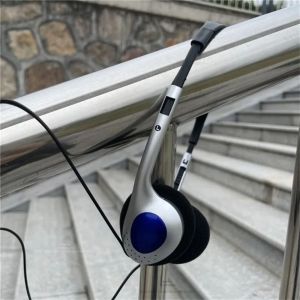
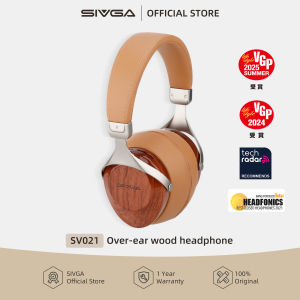
CHXONQ Over Ear Earbud Retro Headphone Wired 3.5mm Y2k Headphones Personality 80s 90s Retro Headset Lisening Music
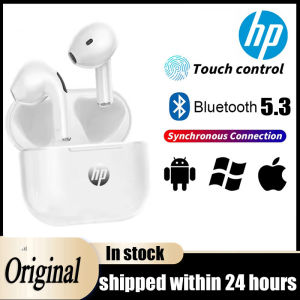
【HOT SALE】Original HP TWS Bluetooth Earphones BT5.3 3D Stereo Wireless Headphones In Ear HiFi Earbuds Long Battery Standby Headsets For Phones
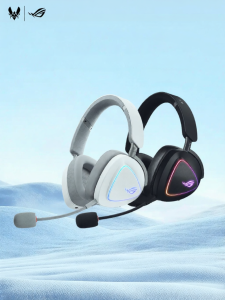
ASUS | Wireless Bluetooth Gaming Headset
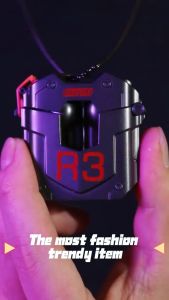
Rock Steampunk R3 Bluetooth 5.3 TWS Earphone Touch Control True Wireless Earbuds

JLab Go Work 3 Wireless Bluetooth Headset with Noise-Cancelling Mic Multipoint Long Battery Life for Work Calls and Meeting
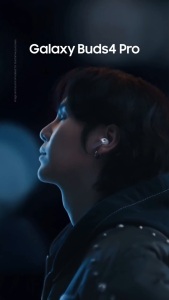
Samsung Buds 4 Pro (Singapore Set) | 1 Year official Warranty | Black White Pink Gold
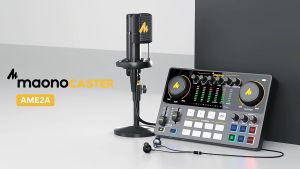
Maonocaster Maono AME2A PM320T External XLR Audio Interface Sound Card with Condenser Microphone For Podcast Studio Mixer
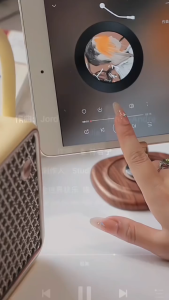
Divoom SongBird-SE Portable Bluetooth Karaoke Speaker with 2 Wireless Microphones | 18W DSP Stereo Sound
Comfort Fit Wireless Bluetooth In-Ear Earbuds Black White Available Durable Headphones for All-Day Wear Ideal for Sports Music
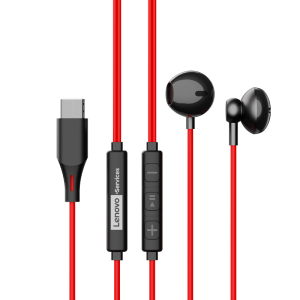
Lenovo | Gaming and Sports Noise Cancelling Half-in-ear Headphones