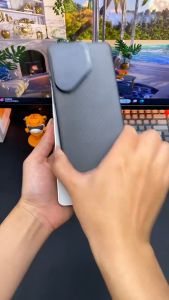
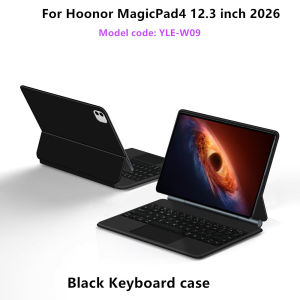
LFOIQN Magic Keyboard for HONOR MagicPad 4 Magnetic Case Smart TrackPad Keyboard Folio for Honor MagicPad4 12.3 YLE-W09 Cover
【The main video is for reference only.】For Honor Magicpad4 12.3" Magic KeyboardMagnetic separation, backlight, touch panel, multi angle support、Wireless Bluetooth connectionA keyboard and protective case in oneOne product ,dual uses,when unfolded , it is a Tablet Keyboard,and when closed,it is a protective Case,non-removable,enabling it to meet the needs of more scenariosProduct Details:1. Number of buttons: 642. Battery: Lithium battery 500mAh3. Stand-by time: 150 days4. Working Time: 5 hours (with backlit on),120 hours (with backlit off)5. Working Voltage: 3.0 - 4.2V6. Charging current:<250 mA7. Effective distance: 10 meters8. Backlit Light: 7 colors backlit9. Charge Port: Type-c10. Material: Anti fouling and durable PU material11. Key life:3 million12. Charging times: 4 hours13. Color: BlackNote 1:You need to upgrade the system to version 15 or higher to use the touchpad.Note 2:Please check in the size and detail model of your Tablet. it is very importtant ! ! !Note 3:After Open the Power, Please Click "Fn" and "C" 【Fn+C】Button Together to Open the Keyboard's Bluetooth. It is Very Important.Note: If you experience delays in the touchpad or unstable Bluetooth connection while using the keyboard, please check your iPad system to see if it has been upgraded to the latest versionHow To Verify Your Tablet Model1.Turn Lenovo tablet to the back find your specific model,Par exemple: ****2.Find the "Settings"--Click the "About"--Find the "Model"3.Please select the correct model number for your tablet purchase after viewing it.Compatible Model:Only For HONOR MagicPad4 12.3-inch 2026 Tablet (Model code:YLE-W09).Please confirm your machine model before purchasing~Note: Tablet and stylus are not included in the packaging!!Attention PleaseEnglish versionkeyboard : There are English letters on the keyboard only.Multi-language versionkeyboard : English letters and carved language letters together .【For example, if you choose Portuguese , there will be English and Portuguese letters on the keyboard. You only need to switch to the Portuguese input method to use it normally. Note that the same letters will not be engraved repeatedly】(Due to the difference in the number of keyboard keys compared to a normal office keyboard, some special character engraving positions are the same, which is a normal phenomenon)(The keyboard Core defaults to English, and the characters engraved on the keyboard are only a Surface display.so in some countries, even if the input method is switched, the special symbols do not necessarily match the keyboard function layout.(You can hold down the Shift or AI combination)If you mind, please do not purchase)【1】Bluetooth connection method: Turn on the keyboard switch, then press and hold Fn+C for about 2-3 seconds to start Bluetooth. The indicator light turns blue and flashes, and then turn on your tablet Bluetooth. Search for "BT Keyboard" and click connect to pair. After receiving the keyboard, fully charge it (about 4 hours).【2】Switch language: Open Settings - Language and Input Method - Physical Keyboard - Add Language Layout..【3】Input method switching: control+spacebar.(Choose the language you need)【4】For detailed instructions, please read the user manual. If you have any questions, you can contact "Online Services" for consultation .The resolution of the machine is different, and there may be color differences in the images, which is a normal phenomenon. The actual product received shall prevail

Prime Supply_Play Life
Review

You May Also Like
Havit 3-in-1 Wireless Charging Stand Qi2 | 15W Magnetic Charging Station
Dock for Nintendo Switch OLED Cooling Fan & Fast Charging Stand for NS Switch Lite/Original/OLED with HDMI TV Output USB 3.0 Hub

olive chinese cloud For Samsung Galaxy S26 S25 S24 A56 A36 Dual Layer Luxury Fashion Full Lens Protective Case
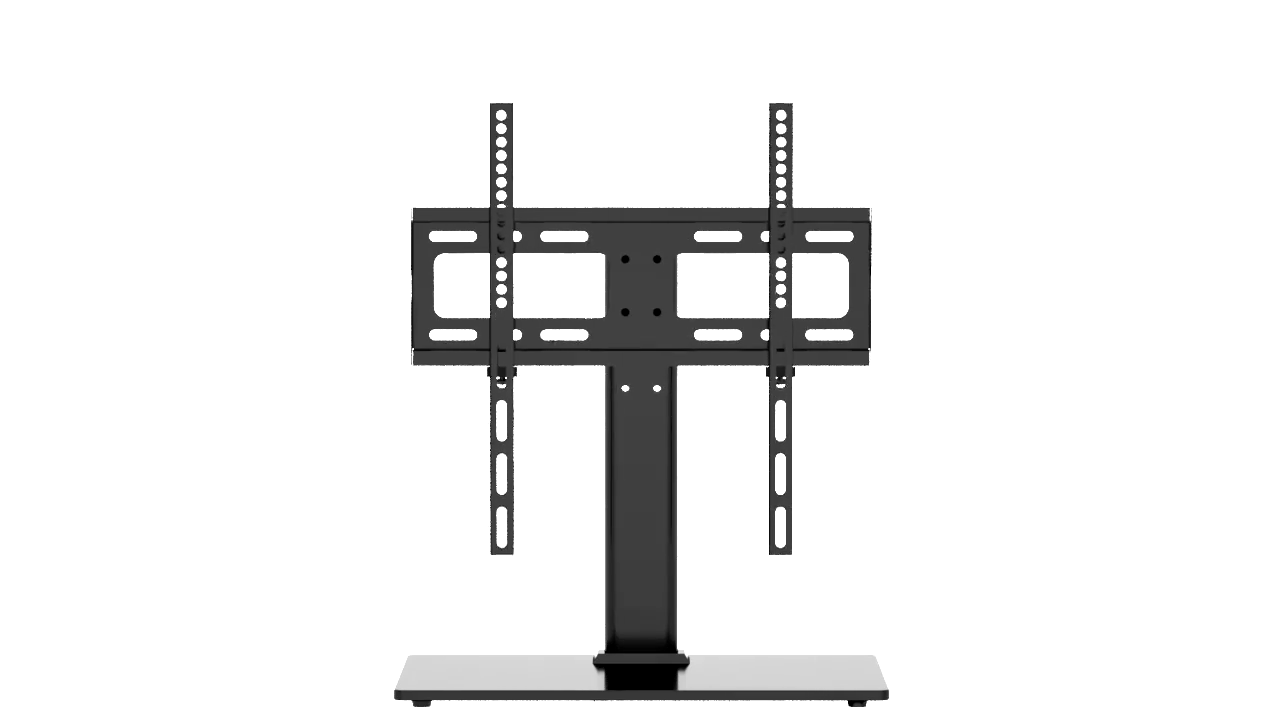
【 SG Seller 】Universal Table TV Stand for 26"-70" LCD LED Screen Height Adjustable Monitor Desk Bracket with Tempered Glass Base
Hohem iSteady M6 Pro Kit 3-Axis Structure Smartphone Gimbal with Magnetic Fill light & Integrated with AI Tracking Module
AJIUYU | Stylus Pen For OnePlus Pad 2 Pad2 Pen For OnePlus Pad Pro / OnePlus Pad Go / OPPO Pad Neo Air 2 Tablet Screen Touch Pen Pencil
(SG STOCK) Wireless Mouse Rgb Led 2.4Ghz Silent Rechargeable 1600dpi Slim Portable With USB Receiver Computer PC Laptop
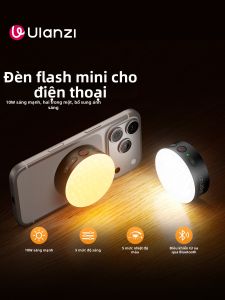
Ulanzi | Photography Portable LED Light Magnetically Attachable
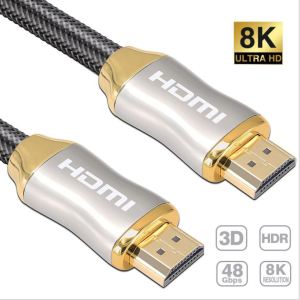
HDMI Braided High Quality Cable 8K Ultra High Speed HDMI 2.1 8K HDMI Cable 48gbps HDMI TV Cable
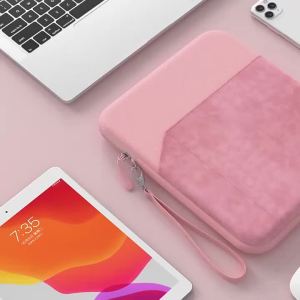
For Samsung Galaxy Tab S11 2025 S10 Lite FE A11 Plus 11 Inch New Tablet Sleeve Storage Bag for Tab SM-X730 SM-X736 Shell Handbag

Metal Wire With Stand Set Welding Desoldering Soldering Solder Iron Tip Dross Cleaner Cleaning Steel Ball Mesh Filter Tin Remove