


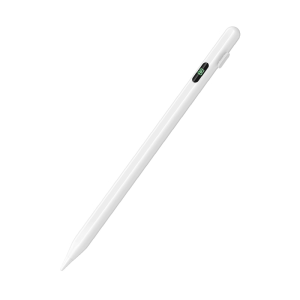
P+7 Universal Stylus Battery Display Pen For Android IOS Screen Touch Pen For iPad Huawei Xiaomi Honor Tablet Stylu Penci
Dear buyerswhen you can't use this pen, or the pen can't be used due to improper settings, please watch our video introduction and carefully and seriously, because many problems are not quality problems, but tablet settings problems, don't misunderstand them as quality problems. Please.Notice:1. Tablet devices and pens cannot be used while charging.2. The tempered film on the flat plate is too thick and affects the sensing. We are equipped with a piercing pen tip, and the instruction manual also clearly states this kind of clearance. If the contact is insensitive, a penetrating pen tip can be used.3. The device has been connected to other capacitive pens and needs to be disconnected. You must open other capacitive pens before you can connect a new capacitive pen. Our manual has relevant instructions.4. During use of the capacitive pen, your hands cannot touch the screen. The touch screen cannot be used (the manual has relevant instructions), or use an anti-accidental touch finger. set.5.The universal pen needs to be tilted at least 15 degrees to write normally, and it cannot be used vertically.6.Do not use Apple type-c tcharging cable for chargingHow to set up some software:If the pen can drag the screen but cannot write, please note that this is a software setting problem, not a pen problem.1、SketchBook1. Open the "SketchBook" software.2. Click on the "Main Menu".3. Click on "Preferences".4. Click onGeneral".5. Turn on/off "Pen Mode".2、Procreate1. Open the "Procreate" software2. Click the top left corner of the painting interface, click the wrench3. Click on gesture control4. Select enable finger painting3、GoodNote1. Open the "GoodNote" software2. Click on the top right corner of the painting page, click on the three option3. Scroll down to select the stylus and prevent accidental touches4. Click on the smart stylus, select none inside4、NOtability1. Open the "Notability" app2. Open the drawing page, click the three dots option in the top right corner3. Click Information, disconnect Apple Pencil5、Notes 1. Update to the latest version2. Open the "Notes " app3. Click on the painting page and select the three in the lower right corner4. Click on the pen palette settings and scroll to the bottom 5. Turn on finger painting6.Apple iPad Notes1. Open the tablet settings and find Apple Pencil2. Turn off Scribble and Doodle3. Open the page and select the stroke7.Paint the World1. Open the "Paint the World" software2. Open the painting page, click the gear in the top corner4. Close "Pen Mode"8.Noteshelf1. Open the "Noteshelf" software2. Open the drawing page, click the three dots in the top right3. Select the stylus4. Turn off the "Apple Pencil" mode

Prime Supply_Play Life
Review

You May Also Like

QINNXER | Shockproof Laptop Bag

Replacement Earpads Sony WH-1000XM3/XM4/XM5/XM6/ XM2 Headphone Ear Pads Cushion Cover Headband Earmuffs

[SG LOCAL STOCK] RUNNY NOSE CAPYBARA | Detailed keycap |Keycap for Mechanical Keyboard Customized Resin Hand-made Keycap
Sunrose | Silent USB Wired Office and Gaming Keyboard
JIJI.SG Kjell Motion Sensor LED Light 3 Colors Rechargeable Magnetic
AJIUYU | Backlight Magic Keyboard W/Touchpad For HUAWEI MatePad Air 12 2025 2024 BKY-W00 LRT-W09 MatePad 12 X 12X 12" Magnetic Smart Case
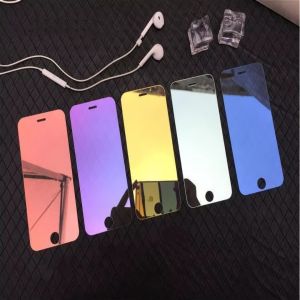
Newly listed Luxury Colorful Mirror Tempered Glass For IPhone17 16 15 14 13 12 Screen Protector Glass Protective Film
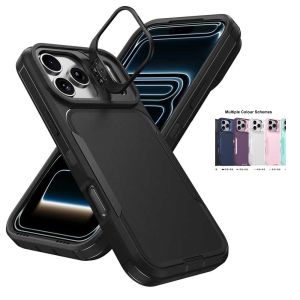
Case for iPhone 18 Pro Max 17 Pro Max 18 Pro 17 Pro Shockproof Armor Defender Camera Holder Dual Layer Heavy Protector Cover
Logitech | Logitech M650 Signature Ergonomic Silent Bluetooth Mouse Multi Device Switch Recycled Plastic Material SmartWheel Scrolling Long
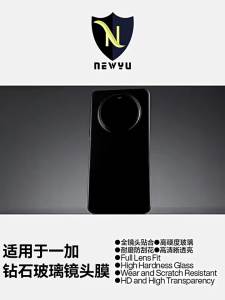
Newyu | Anti-Fingerprint Tempered Glass Camera Lens Protector for OnePlus 15/15T/Turbo 6X Pro/6X/13T

🇸🇬[Ready Stock] USB C Hub 3/4/5/7/8/11 in 1 Type C to Hdmi 4K Multi-Port Adapter for Macbook Air Pro iPad Pro Laptop Computer PC USB C Hubs USB 3.0 Port Converter RJ45 SD/TF Card Reader PD charging Multi Port Docking Station











