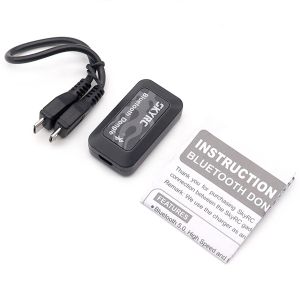
SKYRC Bluetooth Dongle Wireless Capabilities to NC2200 IMax B6Evo Charger Program Card for TS160 Pro ESC Smart Phone SK-600135
SKYRC Bluetooth Dongle Wireless Capabilities to NC2200 iMAX B6Evo Charger Program Card for TS160 Pro ESC Smart Phone SK-600135Specifications:Brand:SKYRCItem name:Bluetooth DongleInput Voltage: 4.5V-5.5VInput Current: ≤20mAWorking Power: 110mW MaxBluetooth Version: 5.0Range: 15MInterface: Micro USBBluetooth Status:LED flashes blue: ready for connectionLED remains solid blue: connectedWorking Temp: -10 ℃ to 55℃ / 14 to 131° FStorage Temp: -20 to 70℃ / -4 to 158° FDimension: 45x25x13mmWeight: 9gApplication(We take EVO charger for example!) ①Download the SkyCharger App from App Store or Google Play to install;②Connect the dongle to the charger as illustrated below;③Turn on the charger, the LED on the Bluetooth dongle will blink blue;④Enable Bluetooth on your smartphone;⑤Open the SkyCharger to search for Bluetooth;⑥When the device named [B-Dongle-XXXX] appears, tap to connect;⑦When the connecting process finishes, the LED on the Bluetooth dongle will stay steady blue;⑧Control and monitor the charger as you like.*For other Apps' instruction, please check the corresponding device's manual.Useful notes and tips: ①You can only control your device with one phone at a time;②When you try to connect the device, make sure the LED on the dongle is blinking blue.Package included: 1 x Bluetooth Dongle1 x Instruction Manual1 x connect cable

GlobalTechMart
Review

You May Also Like

Lelemaotoys |Transformable Robot Model for Boys Alloy
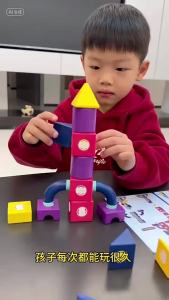
[SG Seller]Multifunctional Magnetic Vehicle Building Blocks 20Pcs 3D Magnetic Tiles Kids DIY Assembly Puzzle Toy

MEIJIAYANG | Simulated Cooking Childrens Kitchen Toy
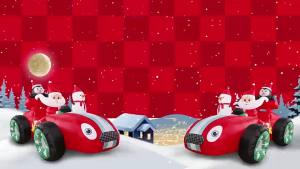
8FT Christmas Santa Monster Truck Snowman Inflatables Decoration Build-in LED Lights for Garden Patio Lawn Party Xmas Prop
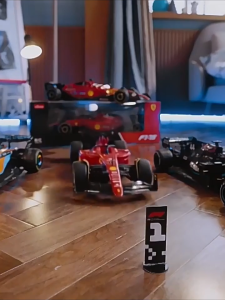
Perfect RASTAR 1/18 Ferrari McLaren Genuine Licensed F1 Racing Car Remote Control Toy Radio Control Car for Boys 1: 18 Formula RC Racing Car

GONG | Sleepy Series Furiel Simmer Plush Toy
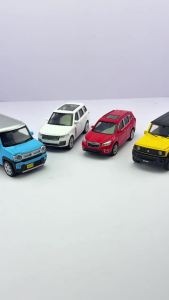
2025 1/43 Scale Subaru Forester WRX STI Sports Cars Alloy Diecast Metal Classic Model Toy Kid Exquisite Gift Collection Decorati
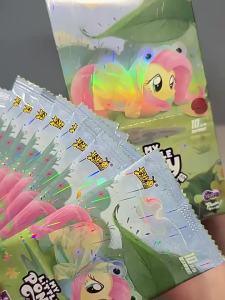
KAYOU | Genuine Kayou My Little Pony Huiyue Card Pack Vol.12 SC Friendship Forever Card Cartoon Anime Game Peripheral Collection Toys

LEGO® ǀ Disney and Pixar WALL-E and EVE Animated Film Building Set 43279

DIY Handmade Science STEM Kit: DIY Electronic Piano : Educational Science Toys: STEM Toy for Kids Wooden Toys
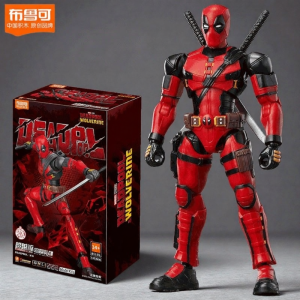
BLOKEES | Legitimate Action Figure Building Toy