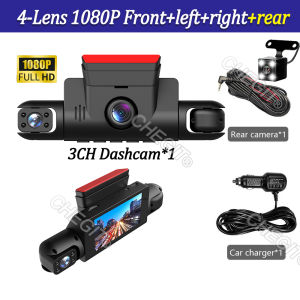
360° Rotatable 4 Channels Dash Cam auto 3/4 Camera Car 1080P Video Recorder Car DVR Night Vision Rear View Camera Car accessory
This product has two options:The difference is that 3 lenses do not have a rear camera, while 4 lenses have a camera!This product displays 4 real lenses and 4 images simultaneously!new square lens four channels HD 1080P cameras high-end recorder● Display size: 3.0 '' IPS screen● Video compression format: AVI● Resolution:FHD 1920*1080P @30fps● 170 degree Ultra High-definition wide angle lens● Image sensor: GC2093 1/2.9 "2 million pixel CMOS● Loop recording: Supports seamless loop recording● Front camera 1080P,rear camera 480P,right/left cam 480P4Channels 1080P Dash camONLY Front Camera: 1080P;Front &left and right Camera:1080P+480P+480PFront &left and right & Rear Camera: 1080P+480P+480P+480PSuper Night VisionF2.0 aperture lens,330"wide angle,4 lR lightsand WDR technology, Dual channel dash camera peocides supernight version even in dark stiuation.360 ° LENS ROTATION3Inch Camera 360° interior rotatable lens, with no dead angles inside and outside the car, providing panoramic view.Reverse image (Optional)When hanging in the "R" gear, the screen will automatically switch Reverse image, and the accurate inverted auxiliary line provides you with better parking prediction.24-Hour Parking MonitoringFriendly reminder: parking monitoring needs to be configured with a special buck cable for use, otherwise 24-hour monitoring is not possibleBuilt-in G-sensorWhen your car is subjected to an impact or other emergency,the G sensor is triggered, so that the recorder immediately records and locks the video.Loop- Cycle RecordingWhen the TF card is full,it will automatically delete former video and keep recording all the timeProduct detailsInstallation Diagram1.Secure the recorder to the windshield of the vehicle , recommended near the rearview mirror area2.Hide the power cord in the window gap along the red line in the figure above3.Insert the car charge wire into the cigarette lighter, connect the power supply, and complete the installationNOTE .The first time you use the memory card, please be sure to format the operation (M-Format-OK-Format complete).Please do not use a mobile data cable to charge the dash cam

Prime Supply_Play Life
Review

You May Also Like
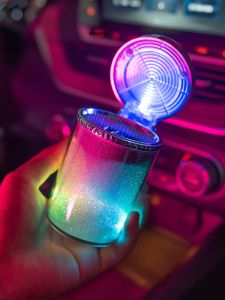
YILUYAFU | Multi-functional Car Ashtray with Lid and Night Light

WRELS | Winter Balaclava Mask 3-in-1 Windproof Thermal Cycling Neck Protection Head Cover Anti-Cold Men Women Motorcycle Hooded Hat
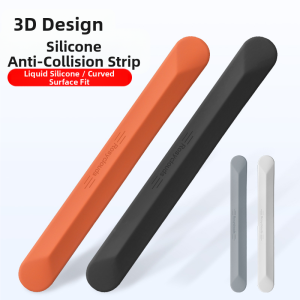
NAILI | Anti-Collision Door Edge Protector for Honda Civic Accord Avancier XRV Vezel CRV and HR-V
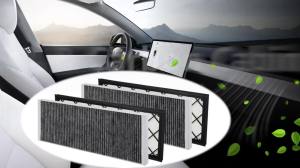
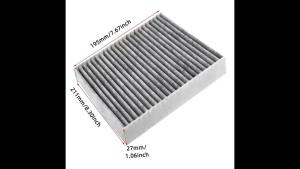
PINMOAP Car Air Conditioning Cabin Filter Is Suitable For Tesla Model Y 2020-2024 Activated Carbon Filter Dust Filter Cleaner
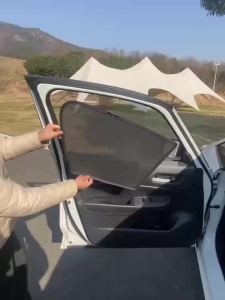
Suitable for Ford Ranger special car window sunshadefront and side door sun bafflesunscreen insulating visor curtain mesh curtainfront block glass sunshade
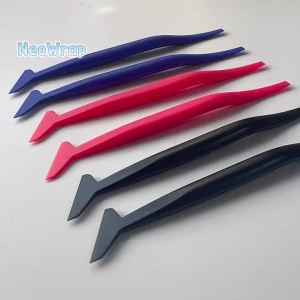
NeoWrap Vinyl Car Wrapping Flexible Micro Squeegee Curves Slot Tint Tool Set with Different Hardness for Installing Vehicle Wrap
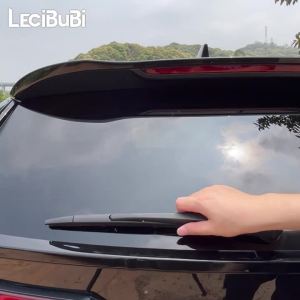
For Nissan Qashqai J12 2021-2023 2022 Rear Windshield Windscreen Wiper Blade Tailgate Window Wipers Accessories

BMTxms 20000LM H11 H8 LED Fog Light Amber Yellow White Canbus DRL Bulb H16 PSX24W 9005 HB3 9006 HB4 H10 H27 880 881 LED Car Bulb
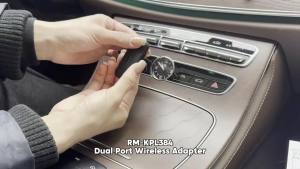
Dual-Port Model Wireless Adapter Wireless CarPlay Android Auto Adapter USB Dongle Smart Mini Box Compatible with 99% of Cars
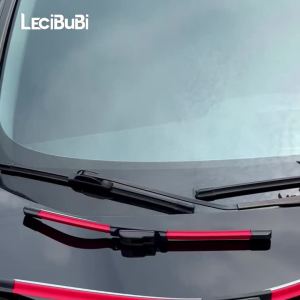
2pcs For Maserati Levante 2016-2023 2017 2018 2019 2020 2021 2022 Front Windshield Wiper Blades Windscreen Wipers

KJM 400G Floor Polishing Paste Auto Paint Surface Renew Long Lasting Gloss Cream for Wood Tile Vehicle Polishing Care