RYSJM | P5 OBD2+GPS Dual System HUD Head Up Display Car Digital Speedometer with Slope Meter RPM Water Oil Temp Overspeed Alarm
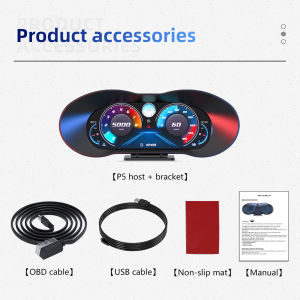
Product Introduction:1.Dial button:- Switch the display interface ② Short press to confirm the function in the setting item.- Long press vertically (press and hold for 2 seconds):① Go to the settings menu.②Press and hold for 2 seconds in the setting item to save and exit.- Short dial left:①Adjust parameter values in the setting items. ②Switch setting items in the setting menu.- Dial left for 2 seconds:①Enter the main screen to switch the display function, automatically save if no operation within 10 seconds.- Short dial right:①Switch function display in the main screen when setting ②Switch setting items in the setting menu ③Adjust parameters in the setting items.④Calibrate slope (operate on the slope meter display interface)- Dial right for 2 seconds:①Quick shutdown2. Photosensitive components: Automatically adjust the brightness of the display screen3. Spare upgrade interface4. Rotating bracket5. OBD line interface* OBD system switch to GPS system:①Using the OBD cable, in the system settings, select GPS(Note: The shutdown time is 3 minutes after the car is turned off)②Use the USB cable directly into the GPS system.* Main interface function switching:- On the main interface, press the dial left for 2 seconds and the icon will flash. Press right to switch functions. Press left to go to the next function. Press the dial vertically to save.* Quick shutdown:- Turn the dial button right for 2 seconds to turn off, press right again to turn on.* Slope meter calibration:- Fix the main unit, operate on the Slope meter display interface, turn the dial button to the right to complete the calibration.Package Includes:1 X HUD1 X Mount1 X OBD Cable1 X Anti Slip Mat1 X Manual

Prime Supply_Play Life
Review

You May Also Like
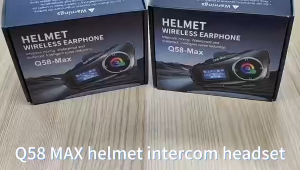
【🔥SG🔥】RICHMENTMALL Q58 Max Motorcycle Helmet Bluetooth Intercom IP65 Waterproof Intercom Distance 500 Meters Multi-Scene Mixed Music Sharing
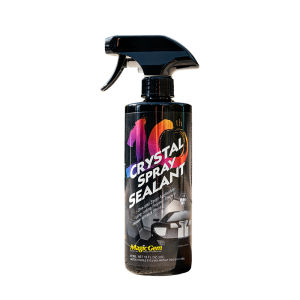
Magic Gem | Polishing Wax for Vehicles
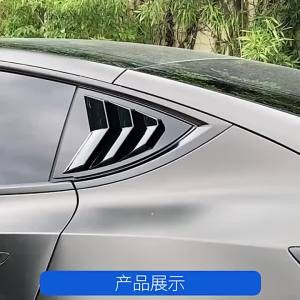
ABS Carbon Car Rear Window Blinds Side Tuyere Louvers Vent Cover Trim Sticker For Tesla Model Y ModelY 2021 2022 2023 2024
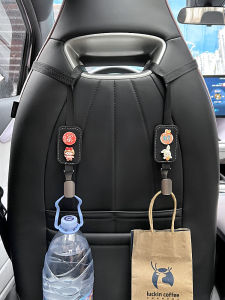
Car Seat Hook
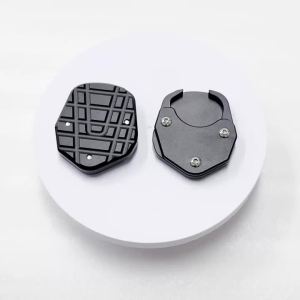
For TIGER 660 Tiger Sport 660 2022-2024 Motorcycle CNC Foot Side Stand Enlarger Support Plate Kickstand Extension Pad Tiger660
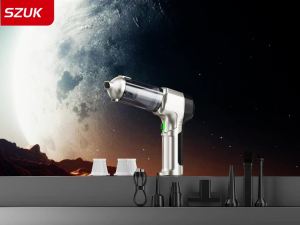
SZUK Wireless Car Vacuum Cleaner Strong Suction Portable Cleaning Machine Home Appliance Powerful Mini Handheld Vacuum Cleaner
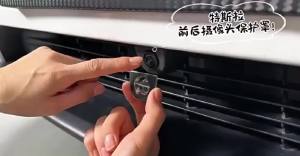
2PCS Camera Lens Safety Guard For Tesla Model Y Juniper/Model YL Anti-Scratch Protection Lenses Protector Cover PC Dust Covers
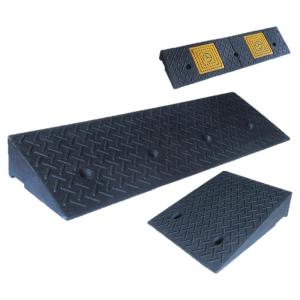
RUIKELAIXIANG | Step Ramp Threshold Pad Rubber Curb Ramp Car Ramp Speed Bump
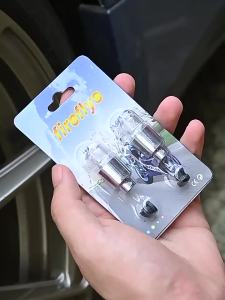
Car Hub Ambient Light Bicycle LED Tire Lights Universal Car Neon Lamp Valve Cover Lights Tire Colorful Flashing Bulb Decoration
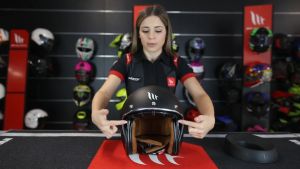
Mt Le Mans Helmet full of personality. In addition to its great safety features its shape gives off high doses of style that brings you back to t he 80s.!The Helmet comes with Full Singapore PSB Approved license.
EKIY 6" Portable Digital Motorcycle Dashboard GPS Motorcycle Navigation Screen Wireless CarPlay Moto Android Auto Android 14.0