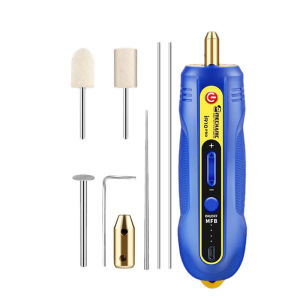
MECHANIC | MECHANIC IR10 PRO Electric Glue Remover Pen 6in1 3 Gear Adjustable Polishing Tool for Mobile Phone LCD Screen Repair
MECHANIC iR10 PRO Electric Glue Remover Pen 6in1 3 Gear Adjustable Polishing Tool for Mobile Phone LCD Screen Repair1. 6-in-1 Multifunctionality, One Tool for All Repair NeedsComprehensive Repair Solution: Integrates glue removal, polishing, cutting, and more into one compact tool. Perfect for mobile phone LCD screen maintenance, handling OCA glue, original factory glue, curved glue, and hard glue with precision.Interchangeable Heads: Comes with (wool flat head), (flex cable polishing head), (cutting disc), (polishing rod), and dual needles, adapting to every repair scenario.2. Smart 3-Gear Speed Adjustment & Green Dust LampPrecision Speed Control: Switch between three speed gears with a single button, matching different glue types and repair details. From delicate glue removal to powerful cutting, every operation is under your control.Green Dust Lamp Technology: Built-in green LED light illuminates dust and residual glue, ensuring no detail is missed during repair. Work efficiently even in low-light environments.3. Durable Performance & User-Centric DesignHigh-Speed Motor: The powerful motor operates without overheating or crashing, supporting 100+ hours of continuous work for heavy-duty repair tasks.Ergonomic & Portable: it fits comfortably in your hand and is easy to carry to any repair site. USB charging ensures convenience on the go.4. Professional-Grade ResultsDrug-Free Glue Removal: Say goodbye to manual scraping. The iR10 PRO removes glue cleanly and efficiently, protecting your phone’s LCD screen from damage.Trusted by Technicians: Developed by MECHANIC, a leader in repair tools, the iR10 PRO undergoes strict quality testing to meet the demands of professional phone repair shops and DIY enthusiasts alike.Whether you’re a seasoned technician or a hobbyist, the MECHANIC iR10 PRO Electric Glue Remover delivers unmatched precision, versatility, and durability—making it an essential addition to your repair toolkit.How to turn on the device?1. Press and hold the MFB button to turn on the device2. Press and hold the red switch button after turning on the device to rotate itRegarding the issue with the charging port: The first time it is inserted, it may become very tight. This is not a quality problem, just insert it forcefully. It is a match and there is no need to doubt it.Product details

Prime Supply_Play Life
Review

You May Also Like
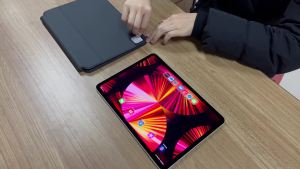
AJIUYU | Magic Keyboard For iPad Pro 11 Inch 4th 3rd 2nd 1st Generation 2022 2021 2020 2018 Case Smart Keyboard Cover TouchPad Backlight
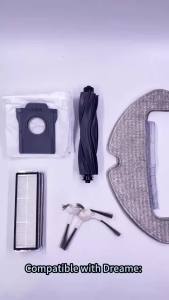
Replacement Mop Cloth Compatible With Dreame D10 Plus Gen 2 RLD32GD Robot Vacuum Accessories
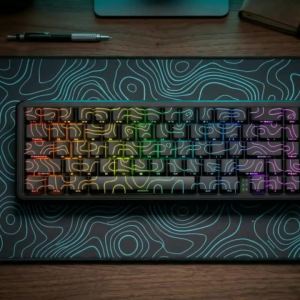
ONIKUMA | ONIKUMA G67 60% Magnetic Switch Gaming Keyboard – 0.01mm Rapid Trigger 8K Polling ARGB & HE/TMR Switches for Esports Gamers

Baseus Simple Mini 3 BS-W529 Magnetic Wireless Charger 15W
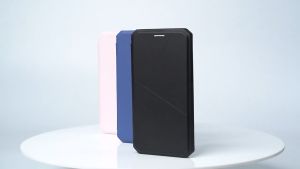
Stand & Card Holder & Strong Magnetic attraction PU Leather Phone Case for Samsung Galaxy S22/ S22+/ S22 Ultra Flip
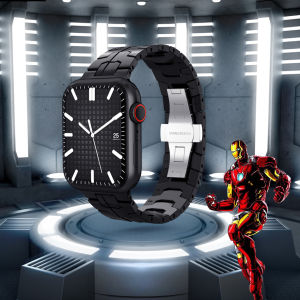
Luxury Metal Band with Case Cover compatible with apple watch series 8/7 case 41mm 45mm Stainless Steel Bracelet Strap compatible with Apple Watch Series 6 SE 5 4 3 2 1 38mm 40mm 42mm 44mm watch Case Protective Shell
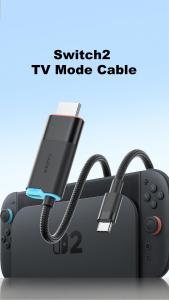
Hagibis Portable TV Dock 4K60Hz USB C to HDMI Docking Station Cable for Switch2 to Monitor 100W PD for Switch 2/OLED Laptop ROG
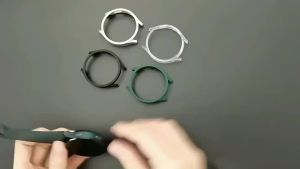
Galaxy Watch 7 40mm 44mm Cover for Samsung Galaxy Watch 7 40mm 44mm Protection Case Plastic Coverage Protector Bumper No Glass
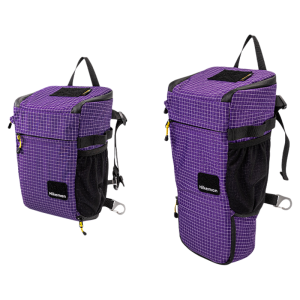
HIKEMAN | Shockproof Padded Camera Bag
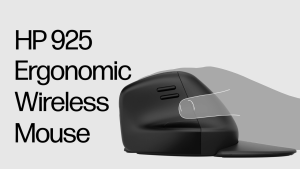
HP 925 Ergonomic Wireless Programmable Mouse | Multi Surface Tracking | Ergonomic Mouse | Multi Device Connections
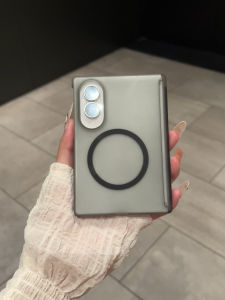
Half-Transparent Matte Magnetic Ultra-Thin Fall Protection Case For Samsung Z Fold 8