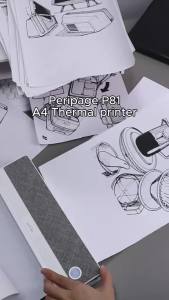
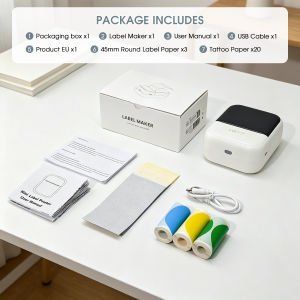
Bluetooth Portable Thermal Printer With 45mm Color Label Paper Inkless Label Printer For Home Office And Small Business
Mini Portable Thermal Label Printer - Quick User Guide Product OverviewPrint Technology: Thermal printing (no ink/toner required)Connection: Bluetooth wirelessPaper Compatibility: 15-50mm width, 45mm color waterproof thermal label paper includedBattery: 1200mAh rechargeable, USB-C chargingUse Scenarios: Home labeling, office organization, small business, tattoo stencil transferStep-by-Step Usage1. Power On/OffLong press the power button for 3 seconds to turn the printer on/off.2. Load Label PaperOpen the printer cover. Insert paper with the print side facing the print head. Adjust paper guides to fit your label size, then close the cover firmly.3. Connect & PrintScan the QR code to download the compatible app. Enable Bluetooth on your phone/tablet and connect to the printer. Edit your label/design in the app and send to print directly.Quick TroubleshootingBlank print: Check paper direction (print side facing print head)Blurry print: Clean the print head with alcoholPaper error: Reinsert paper and close cover tightlyBluetooth failure: Restart the printer and re-pairKey FeaturesInkless, low-cost printingCompact & portable for on-the-go useCompatible with iOS/Android devicesWaterproof & tear-resistant label paper support

Prime Supply_Play Life
Review

You May Also Like
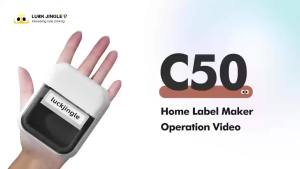
Marklife | C50 Mini Tattoo Printer Portable Inkless Transfer Machine 2 Inch 15‑57mm Compatible With Phone PC iPad For Tattoo Pattern Logo

PeriPage 100 Pages Folded A4 Thermal Printer Paper for Long-lasting 8.5 x 11 Inch for A40 Printer PocketJet HPRT MT800 MT800Q

【Cable Label】 NIIMBOT D11 / D110 / D101 / H1 / H1S Label Printer PaperMini Colorful Label Maker TapeSticker Printing ThermalWaterproof Anti-Oil Scratch-Resistantwire cord data line Price Stick
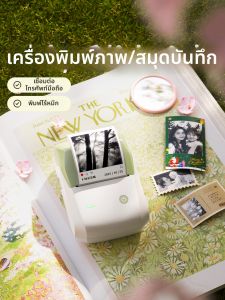
Niimbot | HD 300dpi Photo Printer
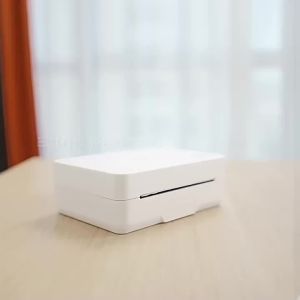
deli | Bluetooth Portable Pocket Inkless Thermal Printer

New Launch HP OfficeJet Pro 9730 Wide Format All-in-One Printer | Free $80 eVouchers | A3 Color PrintScan | A4 Printcopyscan

MarkLife Label Printer P50 Portable Bluetooth Thermal Paper Labeller Machine Sticker Labelling Maker

3D Printing Fiberglass Filament 350cc Spool
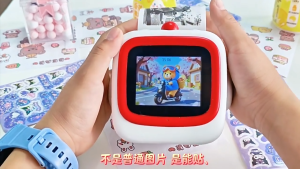
【SG】Portable Mini Printer AI Smart Bluetooth Thermal Printer Voice recognition wireless printerAI打印机
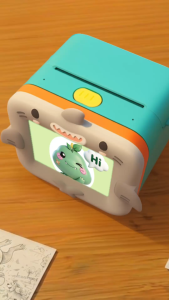
myFirst Insta magiBox | Voice to Image Creation Station Kids Instant Thermal Printer Educational Toy Gift AI Voice Art Generator 4 Panel Comic Sticker Maker Ink Free Screen Light Screen Free Portable Learning Toy for Boys Girls

Compatible Canon G2010 Ink Black