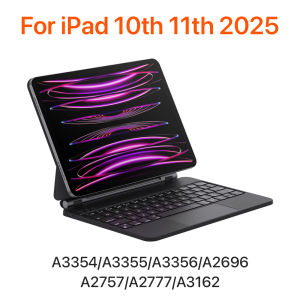
Magic Keyboard for iPad 11th 10th Generation Case 2025 iPad A16 11th11 A3355 A3356 A2696 Smart Floating Stand Bluetooth Keyboad
READYYEAH For New iPad 2025 Magic Keyboard Note that the colors available are only black and white, and no other colors are provided.English versionkeyboard : There are English letters on the keyboard only.Magnetic adsorption, backlight, touch panel, multi angle support、Wireless Bluetooth connectionNote 1:You need to upgrade iPad OS to version 15.0 or higher to use the touchpad.Note 2:Please check in the size and detail model of your iPad. it is very importtant ! ! !Note 3:After Open the Power, Please Click "Fn" and "C" 【Fn+C】Button Together to Open the Keyboard's Bluetooth. It is Very Important!!!Note 4:Switch language: Open Settings - Language and Input Method - Physical Keyboard - Add Language Layout. How To Verify Your Tablet Model1.Turn iPad tablet to the back find your specific model,Par exemple: A****2.Find the "Settings"--Click the "About"--Find the "Model" 3.Please select the correct model number for your tablet purchase after viewing it. Note: If you experience delays in the touchpad or unstable Bluetooth connection while using the keyboard, please check your iPad system to see if it has been upgraded to the latest versionProduct Details:1. Number of buttons: 642. Battery: Lithium battery 500mAh3. Stand-by time: 150 days4. Working Time: 5 hours (with backlit on),120 hours (with backlit off)5. Working Voltage: 3.0 - 4.2V6. Charging current:7. Effective distance: 10 meters8. Backlit Light: 7 colors backlit9. Charge Port: Type-c10. Material: Anti fouling and durable PU material11. Key life:3 million12. Charging times: 4 hours13. Color: Black 、White、Pink、 Purple Applicable model real photo English versionkeyboard : There are English letters on the keyboard only.Multi-language versionkeyboard : English letters and carved language letters together.The keyboard Core defaults to English, and the characters engraved on the keyboard are only a Surface display.so in some countries, even if the input method is switched, the special symbols do not necessarily match the keyboard function layout(You can hold down the Shift or option combination).If you mind, please do not purchase!!. Gesture 1: ClickGesture 2: Open program dockGesture 3: Open Control CentenGesture 4: ScalingGesture 5: Drag and moveGesture 6: Open the APP Switch 7 colors of light adjustable Adjustable brightness You can adjust the screen to the angle you want Automatic Sleep Wake Up Function

Prime Supply_Play Life
Review

You May Also Like
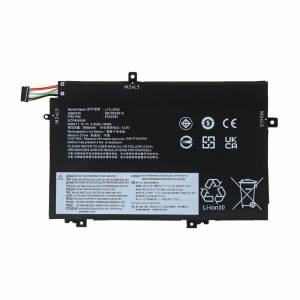
L17L3P52 Battery For Lenovo ThinkPad L470 L480 E480 E580 L580 L590 Series L17C3P52 01AV466 01AV463 L17M3P53
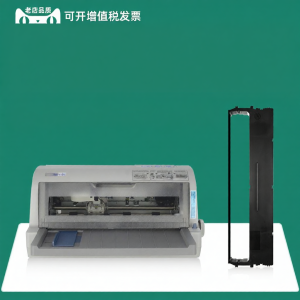
NX612K Compatible NX615 NX618 0051 NX650K NX650KII Carbon Ribbon
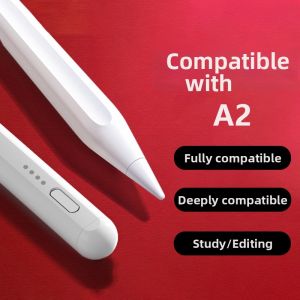
Capacitive Stylus Pen Writing Drawing Pen

K&F CONCEPT Magic Arm with Super Clamp and Magic Arm Clamp Kit with Cold Shoe Clamp Mount for Monitor/LED Light/Action Camera

AJIUYU | Keyboard Case For Samsung Galaxy Tab S10 Plus S9 FE Plus S7 FE S7+ S8 Plus 12.4 Inch Protective Cover Removable TouchPad Backlit
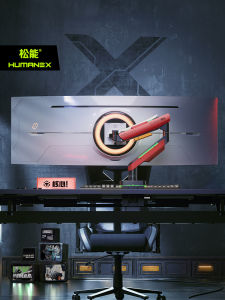
HumaneX | Curved Monitor Stand 49 Inches
Ringke Silk Shield Film Compatible with the Samsung Galaxy S23 Plus
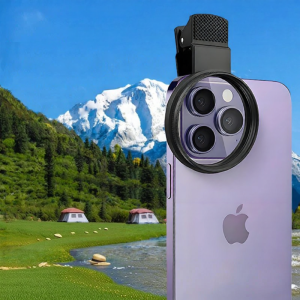
caibeike | High Clarity CPL Polarizing Filter for iPhone 16 Pro
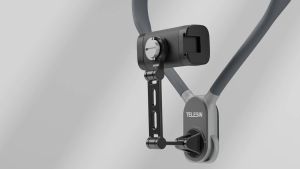
TELESIN S2-HNB-02 Phone Holder Clamp Neck Mount for Mobile Smartphone
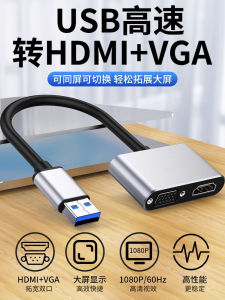
USB 3.0 to VGA HDMI Converter Multi-function Display Adapter
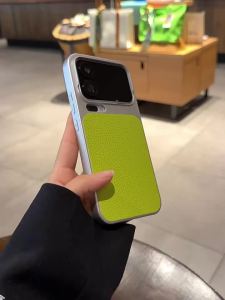
Neon Green Lychee Leather Electroplated Silver Spliced Xiaomi 17 Pro Max Phone Case Full Protection